As an Amazon Associate, we earn from qualifying purchases. Some links on this site are affiliate links at no extra cost to you. Our recommendations are based on thorough research and editorial judgment.

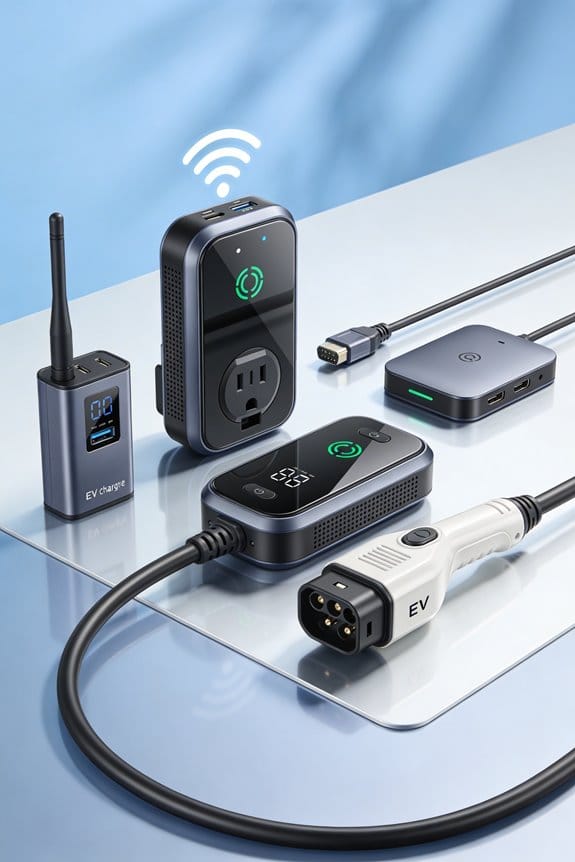
Why Wi-Fi and App Features Are Becoming Standard in EV Accessories

We see Wi‑Fi 6 and app controls becoming standard because they give low‑latency links, easy remote updates, and secure management. They let us schedule charging, view real‑time status, and get usage analytics from a phone. eSIM and cloud provisioning keep the car hotspot online across borders without SIM swaps. OTA firmware fixes reduce service visits, and AI fine‑tunes performance and predicts maintenance. Secure boot, attestation, and certificate rotation protect the accessories. If you keep reading, you’ll discover more details.
Key Takeaways
- 5G and Wi‑Fi 6 provide low‑latency, high‑bandwidth connections for real‑time telemetry, HD dash‑cam streaming, and fast OTA firmware updates.
- eSIM provisioning enables seamless, carrier‑agnostic hotspot activation and eliminates manual SIM swaps, keeping accessories online across borders.
- App‑controlled charging schedules, real‑time status, and usage analytics let owners optimize energy costs and monitor battery health remotely.
- Secure boot, hardware attestation, and signed OTA updates protect accessories from tampering, ensuring reliable, future‑proof operation.
- AI‑driven analytics personalize Wi‑Fi band selection and predict maintenance needs, enhancing performance and reducing downtime for connected EV accessories.
Why 5G & Wi‑Fi 6 Matter for EV Accessories
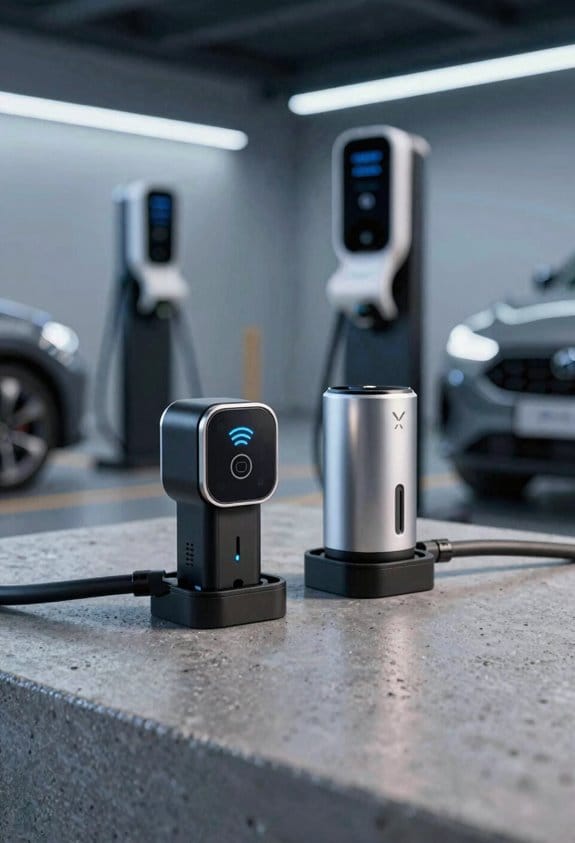
Ever wonder why your EV’s gadgets sometimes lag or drop the connection? It’s usually the network that’s holding you back. Pairing 5G with Wi‑Fi 6 gives your accessories a boost in speed and reliability, so you get smoother updates and fewer hiccups on the road.
Prioritize 5G for real‑time telemetry
5G’s low latency is perfect for sending critical data like battery stats or charging alerts. When the signal is strong, you won’t notice any lag, even when you’re driving fast.
Use Wi‑Fi 6 for multi‑device streaming
Wi‑Fi 6 handles several devices at once without choking. Your phone, tablet, and dash cam can all stay online at the same time, and you’ll still get a solid connection for each.
Enable Beamforming for stable links in metal cabins
Beamforming focuses the signal toward each device, cutting down on interference from the car’s metal body. The result is a steadier link that doesn’t drop when you move around the cabin.
- Faster OTA updates keep software current.
- Lower latency improves voice commands.
- Higher bandwidth supports HD dash cams.
- Multi‑device support lets phones, tablets, and sensors share the same network.
You may be interested

Worth knowing: Look for accessories that list both 5G and Wi‑Fi 6, and check the specs for Beamforming. That combo gives you the performance you need without paying for unnecessary extras.
Frankly, you don’t have to overhaul your whole setup. Just pick parts that meet these criteria, and you’ll notice the difference right away.
Ready to upgrade your EV’s connectivity? What’s the first device you’ll try with 5G and Wi‑Fi 6?
How App‑Controlled Charging Simplifies EV Ownership
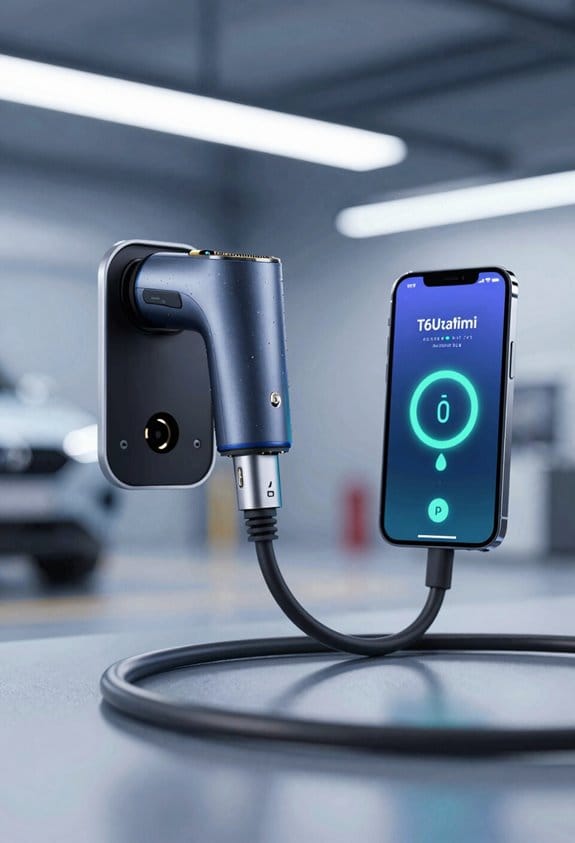
Ever feel like your EV’s charging schedule is a mystery you can’t control? You’re not alone. Most of us juggle work, school, and errands, and the last thing we need is a car that charges at the wrong time, draining the wallet and the grid.
I’ve been using the app that talks to my car’s charger for a few months now, and it’s made a big difference. First, you open the app, pick a start time that fits your off‑peak electricity window, and confirm the power level. The whole thing takes under a minute, and you can see the real‑time charging status right on your screen. It’s a simple way to keep your bill low and avoid those surprise spikes.
Worth knowing: the app also pulls together usage analytics. You can glance at weekly consumption charts and see how much energy you used per trip or per day. Those numbers help you plan future drives and keep an eye on battery health without any extra hassle.
- View real‑time charging status.
- Review weekly consumption charts.
These steps let you dodge range anxiety and keep costs predictable. The data helps you plan trips and maintain battery health without extra effort.
Frankly, the biggest win is the peace of mind. You set it and forget it, and the car does the rest while you’re at work or sleeping. No more guessing when the battery will be full, and you’re not paying premium rates for electricity.
If you’re wondering whether it’s worth the effort, try this: set a charging start time for the next off‑peak window and watch the bill for a month. You’ll likely see a small but noticeable drop, and the car will be ready when you need it.
Recommended Products
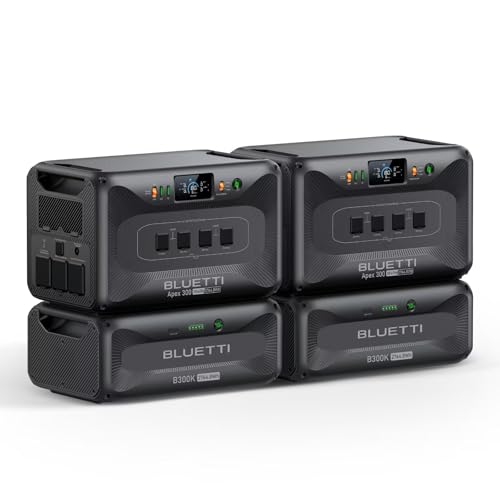
[All-Scenario Power] - Apex 300 (2764.8Wh, 3840W) keeps homes lit, RVs rolling & off-grid sites running. Parallel 2-3 units (5.5-8.3kWh), expand to 58kWh with B300K. Never powerless.

[All-Scenario Power] - Apex 300 (2764.8Wh, 3840W) keeps homes lit, RVs rolling & off-grid sites running. Parallel 2-3 units (5.5-8.3kWh), expand to 58kWh with B300K. Never powerless.

【Top-Flight Performance 】The 51.2V 100Ah liFePO4 battery is manufactured by 16Pcs Automotive Grade A grade prismatic cells with higher energy density, more stable performance & greater power. And has a compact 5.12kWh energy, which is equivalent to 4pcs 12V 100Ah LiFePO4 batteries in 4S (or even 8pcs 12V 100Ah AGM batteries in 8S). Fully compliant with the UL1973 safety standard and certified by Intertek ETL for reliable safe operation.
eSIM & Cloud Platforms That Enable Seamless In‑Car Wi‑Fi
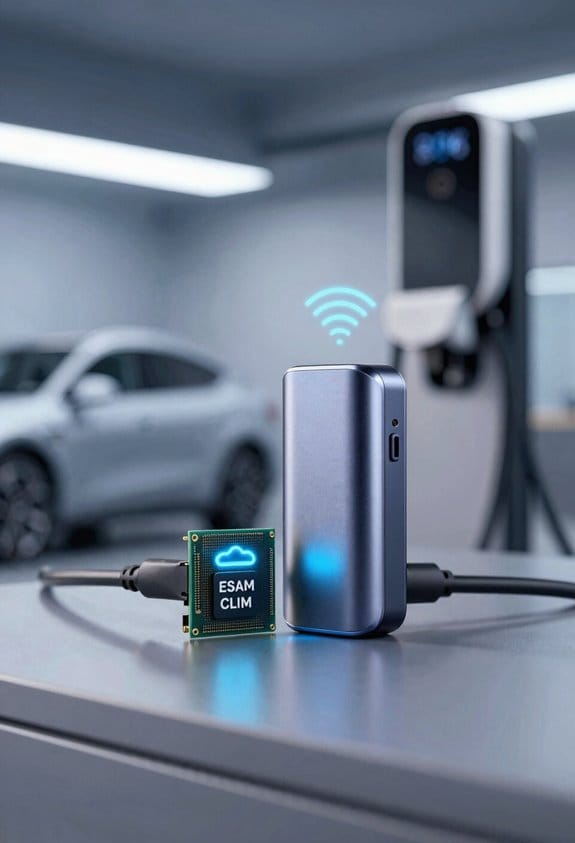
Ever tried to stream a movie in the back seat and watched the signal drop the minute you hit a state line? That frustration’s all too common, but there’s a simple fix that keeps your car’s hotspot alive from the factory floor to the open road.
If you want reliable in‑car Wi‑Fi, pairing an eSIM with a cloud platform is the easiest route. We recommend using eSIM provisioning to set up the connection before the vehicle leaves the factory. The cloud handles authentication, data plans, and remote updates without driver input. This approach avoids manual SIM swaps and keeps the hotspot online across borders.
Steps to enable seamless Wi‑Fi:
- Choose a carrier that supports eSIM provisioning for automotive use.
- Integrate a cloud orchestration service that manages profile activation.
- Program the vehicle’s modem to request a profile at first start‑up.
- Verify the connection through the infotainment display.
Frankly, once it’s set up you’ll barely notice the tech working behind the scenes. The car just asks the cloud for a profile the first time you turn it on, and the rest runs on its own. No extra steps, no hidden fees—just a steady connection for everyone in the vehicle.
Worth knowing: make sure the carrier you pick offers global coverage if you travel often. Some providers only work in a few regions, which can leave you stranded when you cross a border. Checking that ahead of time saves a lot of hassle later.
If you’re wondering whether this is worth the extra effort, think about the time you’ll save not having to swap SIM cards or reboot the hotspot every few weeks. The convenience factor alone makes it a smart move for any modern driver.
Give it a try and see how much smoother your road trips become. Ready to ditch the spotty signal for good?
How OTA Updates & AI Boost Accessory Performance
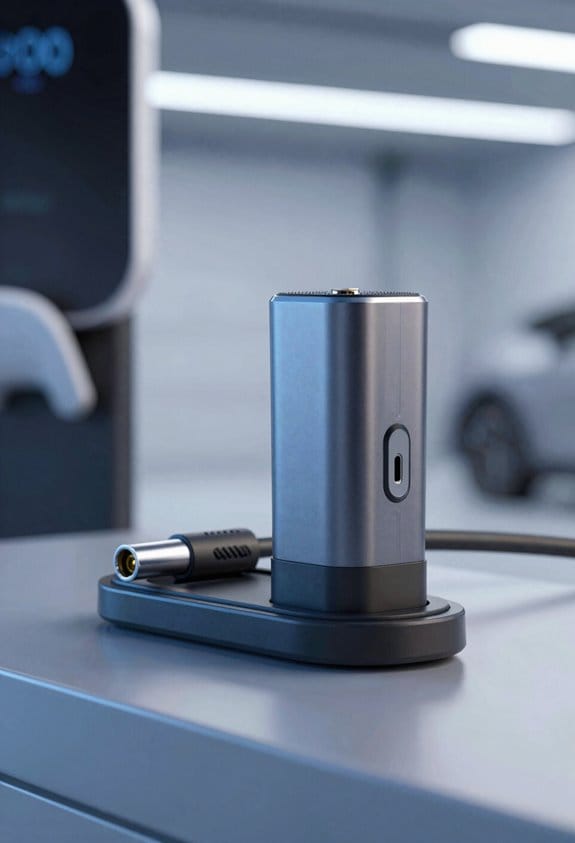
Ever tried to update a car charger or a speaker while you’re on the road, only to find out the new feature you need is stuck on an old version? It’s frustrating, especially when you’re juggling a busy schedule and can’t waste time at a service center. The good news is that eSIM‑provisioned Wi‑Fi paired with a cloud platform can handle OTA updates, letting AI fine‑tune your accessories without you lifting a finger.
Connecting the eSIM‑enabled device to the cloud sets the stage for OTA updates, and those updates let AI fine‑tune accessory behavior without driver effort. We can now push new firmware to chargers, speakers, and mounts while the vehicle is parked. AI analyzes usage data and adjusts power levels, antenna gain, and signal timing. This creates predictive maintenance alerts before a component fails and offers personalized settings for each driver’s phone and music preferences.
How OTA + AI improve performance
- Remote bug fixes – instantly correct glitches.
- Feature upgrades – add new charging modes.
- Predictive maintenance – warn of overheating or wear.
- Personalized settings – auto‑configure Wi‑Fi bands per device.
Follow these steps to enable OTA on your EV accessories and let AI keep them running smoothly.
Step‑by‑step guide
- Open your vehicle’s app and locate the “Accessories” menu.
- Tap the device you want to update, then select “Check for updates.”
- If an update appears, confirm the download and let the car stay parked until it finishes.
- After the install, the app will show a short summary of what changed.
Tips for a smooth experience
- Keep your phone nearby and connected to the car’s Wi‑Fi while the update runs.
- Make sure the battery level is above 30 % before you start.
- If you notice any odd behavior after an update, go back to the app and hit “Reset to factory defaults.”
Frankly, the biggest win is the predictive maintenance alerts. AI watches how often you charge, how hot the device gets, and whether the signal drops. When something looks off, you’ll get a notification before the part actually fails, saving you a costly repair.
Worth knowing: you can set personal Wi‑Fi band preferences for each driver’s phone. The AI will remember which band works best for a particular device and switch automatically, so you never have to fiddle with settings again.
Now that you’ve got the basics, try it out on one of your accessories today. You’ll see how quick and painless updates can be. Ready to let your car’s tech take care of itself?
Key Security Standards for Connected EV Accessories
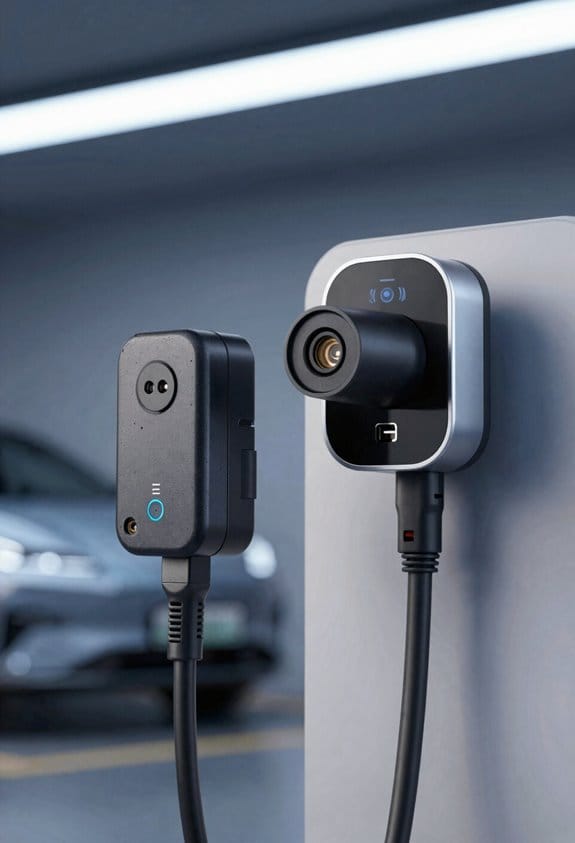
Ever tried adding Wi‑Fi or Bluetooth to your EV and felt a knot in your stomach about security? You’re not alone—those little accessories can become a back door if you skip the basics. Below are four things you should keep in mind before you plug anything in.
Secure boot – The device checks each piece of code before it runs, stopping tampered firmware.
Hardware attestation – The chip proves it’s genuine to the cloud, preventing counterfeit parts.
Certificate management – Store and rotate digital certificates so only trusted services talk to the accessory.
Firmware signing – Every update is signed by a trusted key, so the accessory only accepts verified code.
These steps protect personal data, vehicle controls, and OTA updates. Use modules that support all four, and verify the OEM’s compliance before purchase. This approach keeps the connected accessory reliable and safe.
Frankly, you’ll save yourself a lot of headaches if you treat security like a checklist, not an afterthought. Worth knowing: start with a device that already has a secure‑boot feature built in, then double‑check the chip’s attestation capabilities. If you’re buying a third‑party module, ask for the certificate‑rotation policy and make sure the firmware is signed with a key you can trust.
When you’re done, you’ll feel more confident that your car’s new gadget won’t become a weak link. Ready to give your EV the safety boost it deserves?
Top Wi‑Fi‑Enabled Accessories: Dash Cams, HUDs, Phone Mounts
Ever wonder why your car’s Wi‑Fi feels like a fancy add‑on instead of a real help? When you’re juggling a dash cam, a HUD, and a phone mount, the little details matter most.
Recommended Products

🆕AI SCENEPILOT ANDROID SAFETY HEAD UNIT – X10 is more than a car stereo or a dash cam. Built around ScenePilot Parking & Driving Guard, it combines Android apps, dual-camera recording, GPS, 4G LTE, dual-band Wi-Fi, AI road awareness, Remote Live View, Accident Alerts, and wireless CarPlay/Android Auto into one intelligent in-car command center—helping you watch over your parked car, notice more on the road, and drive with greater confidence every day.

4K + 4K Flagship Recording - The Clearest View of Every Critical Moment. ELITE 10 captures both front and rear views in true 4K at 30FPS, built for drivers who prioritize safety and absolute clarity. Even from a distance, license plates and fast-moving details remain sharply defined. This exceptional image precision provides reliable, full-scene evidence that supports insurance claims and protects you in critical moments. With dual 4K coverage, every drive is recorded with confidence.

True 4K + True 2K Recording with STARVIS 2 - See More Than Ever Before. ELITE 9 captures every moment with crystal-clear 4K UHD front recording and sharp 2K rear coverage. Dual STARVIS 2 sensor delivers vivid, full color video even under ultra-low light, capturing every detail night and day.
Wireless dashcams
They capture what’s happening on the road and push the clips up to the cloud over Wi‑Fi.
- Real‑time alerts pop straight to your phone, so you never miss a sudden stop.
- Firmware updates happen over the air, meaning you won’t have to wrestle with a USB stick.
Heads‑up displays (HUDs)
Your HUD pulls navigation and speed info from the car’s Wi‑Fi network, keeping your eyes on the road.
- Critical data shows up right in front of you, cutting down on glances at the dashboard.
- Firmware refreshes are simple, so the display stays current without a hassle.
Phone mounts with magnetic mounts
A solid magnetic mount keeps your phone steady and can charge it wirelessly.
- Pairing with the car’s Wi‑Fi hotspot is quick, letting you stream music or get directions without fumbling.
- No tangled cables, just a clean interior and a tidy look.
Frankly, the key is to pick gear that works inside the same Wi‑Fi framework you already have. Worth knowing: each of these accessories can be set up in minutes, and they all add a layer of safety and convenience you’ll soon wonder how you drove without.
Got a favorite Wi‑Fi‑enabled gadget? Share it in the comments!
Cost‑Vs‑Benefit Analysis of Wi‑Fi‑Ready EV Gear
Ever wonder why your EV feels a bit “plain” after a few months? Adding Wi‑Fi‑ready gear might be the fix you need, and it doesn’t have to break the bank.
Recommended Products

[Another Leap Forward] Building on the award-winning Autel MS Ultra, the MaxiSYS Ultra S2 sets a new industry standard for efficiency and accuracy with upgraded hardware, advanced diagnostic features, and access to comprehensive repair data, delivering near OEM level diagnostics and beyond.
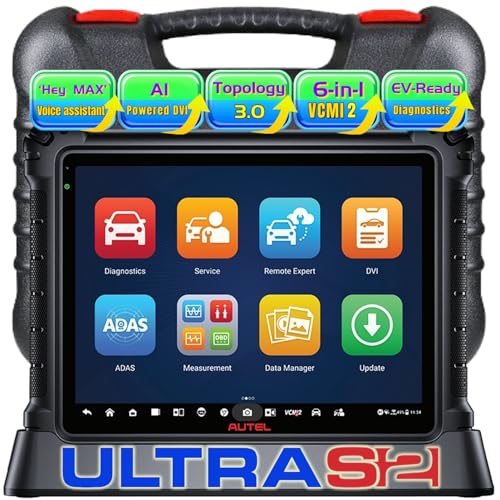
[ Autel MaxiSYS MS Ultra S2 – Update of Autel MaxiSYS Ultra, Next-Generation Diagnostic Power with Groundbreaking Hardware ]: Setting a new industry standard, the Ultra S2 features a stunning 13.7-inch anti-glare touchscreen, a blazing-fast 2.7GHz octa-core processor, and a generous 512GB of internal storage, Powered by the latest Android 13.0 OS, this powerhouse is engineered for speed and clarity—boosting diagnostic workflows while ensuring unmatched precision across every vehicle system

👍【2026 TOP AI SCANNER AUTEL MAXISYS ULTRA S2】Autel scanner MaxiSys Ultra S2 is a cutting-edge AI-powered diagnostic tool built for speed and intelligence. It features 10X faster hardware (13.7'', Android 13, 2.7G 8-Core CPU, 512GB storage), 48+ Services, TruSpeed Repair, Remote Expert, 99.99% car coverage etc.🔥Autel UltraS2 New AI upgrades include:✅VCM2 6-IN-1 Module($2,000+ v.alue); ✅"Max" hands-free voice control (like a "Siri"); ✅AI image analysis for dents & scratches; ✅Topology Map 3.0 + Split-Screen; ✅Data Stream 3.0 (Enhanced PID Analysis). 📢This is South American Version includes 2-year f-ree updates ($4,000 v.alue).❌ Excludes 1-year f-ree Motor TruSpeed.
Cost‑Vs‑Benefit Analysis of Wi‑Fi‑Ready EV Gear
If you weigh the upfront cost against the long‑term gains, Wi‑Fi‑ready EV accessories can pay for themselves quickly. We look at total price, energy savings, and added features.
- Initial price – Wi‑Fi modules add 10‑15 % to base cost.
- Lifecycle costs – Remote updates reduce service visits. OTA fixes cut repair fees by up to 30 %.
- Energy efficiency – Smart chargers trim idle power, saving $20‑$40 per year.
User adoption rises when benefits are clear. Most drivers choose accessories that:
- Offer phone‑app control.
- Provide real‑time diagnostics.
- Enable OTA updates.
These factors lower total ownership cost and boost satisfaction. We recommend buying Wi‑Fi‑ready gear if you plan to keep the EV for at least three years.
Frankly, you’ll notice the difference the first time you can start your car from the couch. Worth knowing: the extra 10‑15 % you spend now often disappears in a couple of years thanks to fewer service trips and lower electricity bills.
So, what’s the best way to pick the right kit? Look for a model that plugs straight into your car’s OBD port and comes with a solid app that doesn’t crash every few minutes. If you’re comfortable with a little DIY, you can even install the module yourself and save on labor.
Give it a try and see how much smoother your daily routine becomes. Does your EV feel more like a companion now?
Future Trends: Dynamic Wireless Charging & V2X Integration
Ever wonder why your EV still feels like a nervous rabbit on a long road trip? The answer might be in the road itself, not just the battery.
Dynamic charging
- Magnetic resonance pads line the highway.
- Your car charges while you keep moving.
- It eases range anxiety on those marathon drives.
- You’ll need a receiver that talks to the pads.
V2X orchestration
- Cars talk to traffic lights, other vehicles, and the cloud.
- Real‑time data helps you pick the safest, quickest route.
- It lets chargers sync up with traffic flow.
- The result is lower energy waste.
Frankly, the best accessories are the ones that cover both bases. Look for modules that come with Wi‑Fi 6, an eSIM, and the ability to get firmware updates over the air. That way you stay connected as standards shift.
Worth knowing: picking gear that supports both standards means you won’t have to upgrade every few years. It’s a small extra cost now that saves you hassle later.
Frequently Asked Questions
How Does Wi‑Fi Connectivity Affect EV Battery Lifespan?
We find that Wi‑Fi connectivity can slightly increase battery aging because frequent remote monitoring triggers extra charging cycles, but smart apps also optimize usage, reducing unnecessary loads and ultimately extending overall lifespan.
Can Wi‑Fi‑Enabled Accessories Be Retrofitted to Older EV Models?
We can retrofit older EVs using third‑party adapters and aftermarket firmware, letting you add Wi‑Fi‑enabled accessories without factory integration, but make sure compatibility and professional installation to avoid warranty or safety issues.
What Is the Typical Latency for In‑Car Wi‑Fi During OTA Updates?
We typically see latency around 100‑200 ms, so OTA update duration feels almost instantaneous, letting you keep driving while the car refreshes its software without noticeable pauses.
Are There Any Health Concerns With Prolonged Exposure to In‑Vehicle Wi‑Fi?
We’re reassured that RF exposure from in‑vehicle Wi‑Fi stays well below safety limits, so prolonged use isn’t a health risk; even those with electromagnetic hypersensitivity typically report no adverse effects.
How Do Wi‑Fi‑Enabled Accessories Handle Intermittent Internet Connectivity?
We buffer data locally, then sync seamlessly once the signal returns, so your app stays functional during drops. By caching updates and queuing commands, we guarantee continuous operation without interruptions.