As an Amazon Associate, we earn from qualifying purchases. Some links on this site are affiliate links at no extra cost to you. Our recommendations are based on thorough research and editorial judgment.

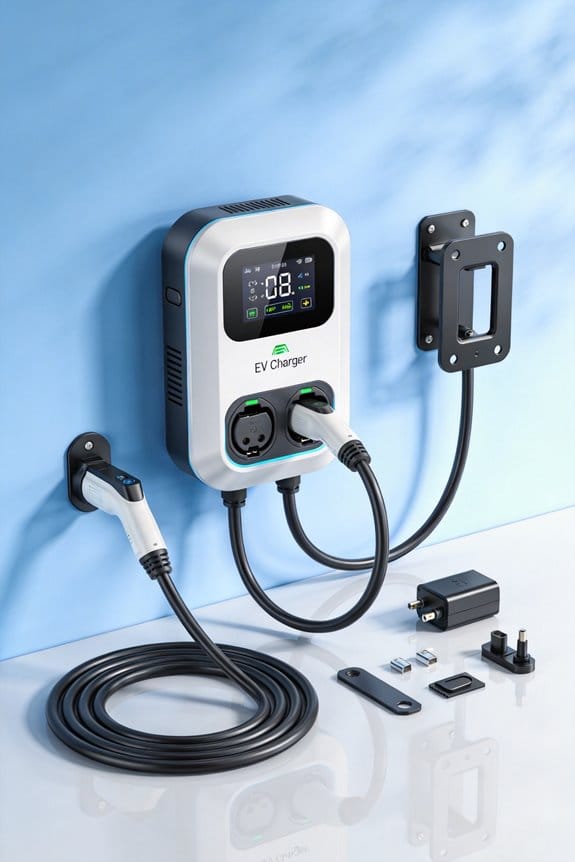
What Features Matter Most in a Modern Home EV Charger

We recommend a charger with 7‑12 kW output for fast daily range, adjustable amperage (16‑50 A) to match older panels, and a load‑balancing circuit that splits power without tripping breakers. Choose Wi‑Fi and an app for off‑peak scheduling, real‑time kWh tracking, and alerts. Look for voice‑controlled dashboards for hands‑free start/stop. Power‑sharing lets multiple EVs charge together. Pick a weather‑proof, UL/CE‑certified enclosure and universal J1772/NACS connectors. Solar integration with dynamic balancing cuts costs and emissions. You’ll find deeper details ahead.
Key Takeaways
- Adjustable amperage (16‑50 A) to match home panel capacity and avoid costly upgrades.
- Power‑sharing or dynamic load management for simultaneous charging of multiple EVs without tripping breakers.
- Wi‑Fi connectivity with app control for scheduling, off‑peak rate optimization, and real‑time energy usage monitoring.
- Robust weather‑proof enclosure (IP65) and safety certifications (UL, CE, IEC) for reliable indoor/outdoor installation.
- Compatibility with common connectors (J1772, NACS) and flexible plug options (NEMA 6‑50, 14‑50) for broad vehicle support.
How Home EV Charger Power Output Determines Daily Driving Range?
You may be interested

Ever wonder why your electric car still feels short on range after a night at home? The answer lies in the charger you’ve got plugged in. A 7.7 kW unit will usually add about 24 miles each hour you charge, which is fine for quick errands or a short commute. If you need a bit more juice, an 11.5 kW charger can push 30‑35 miles per hour, covering longer trips without a long wait. The higher the output, the faster you fill up, but keep in mind that frequent fast charging may wear the battery down faster.
Tips
- Figure out how many miles you drive each day.
- Pick a charger that can give you that range in 1‑2 hours.
- If you charge overnight, go for a lower amperage to be gentle on the battery.
Key points
- Power output directly sets how many miles you get per hour.
- Match the charger size to your usual commute length.
- Find a balance between charging speed and battery health.
Frankly, the best approach is to look at your daily mileage first, then choose a charger that meets that need without overdoing it. If you’re only driving 20‑30 miles a day, a 7.7 kW unit will likely be enough, and you’ll avoid the extra cost of a bigger charger. For those longer 50‑mile round trips, the 11.5 kW model makes more sense, especially if you’re short on time in the morning.
Worth knowing: charging at a lower rate overnight can actually help your battery stay healthier over the long run, so you don’t have to sacrifice speed for longevity.
What’s your daily drive like, and have you tried matching your charger to it yet?
Why Adjustable Amps Matter for Older Home Panels?
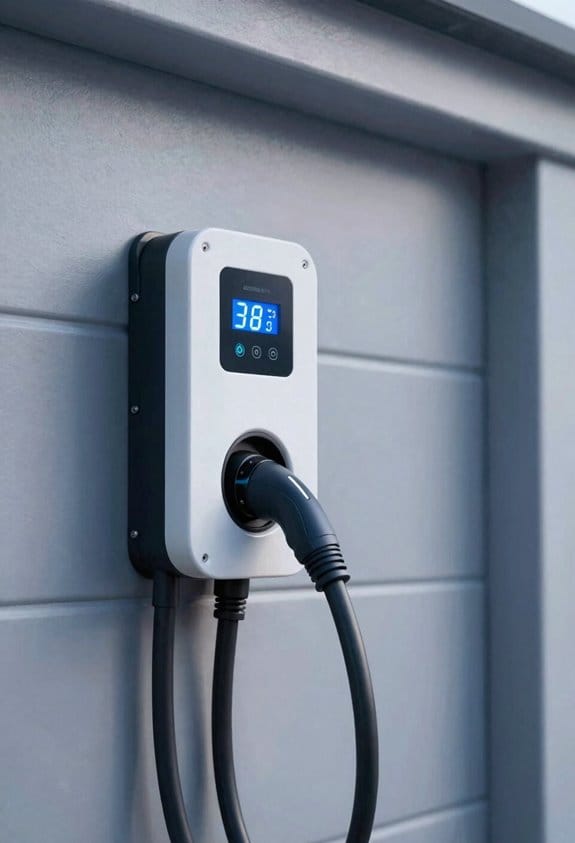
Ever tried plugging your EV charger into a house that’s been around for a few decades and wondered why the breaker keeps tripping? That’s a common snag when the panel’s age starts to bite. The old wiring can’t always handle the current the charger wants, so you end up with a lot of frustration and a few costly calls.
Why we adjust:
- Keeps the circuit within its rating.
- Extends the life of aging wiring.
- Avoids costly panel upgrades.
How to use:
- Set the charger to the lowest amp setting that still meets your charging time.
- Increase only if the panel shows no overload signs.
Frankly, the key is to match the charger’s draw to what the panel can actually carry. When you lower the amp setting just enough, you stay under the breaker’s limit and dodge those annoying trips. It also gives the old wiring a break, which can add years to its useful life.
Worth knowing: you don’t have to overhaul the whole system to get reliable charging. Start with the smallest setting that gets you on the road when you need it, then watch the panel’s response. If everything runs smooth for a week or two, you can consider nudging the amp up a bit—just keep an eye on any signs of overload.
Try this: after you’ve set the charger, run a quick test by charging for an hour and checking the breaker. If it stays cool and there’s no flicker, you’re good to go. If you see any heat or hear a click, dial it back down. This simple routine can save you from a costly panel upgrade down the line.
How to Wire a Load-Balancing Home EV Charger Without Tripping Breakers?
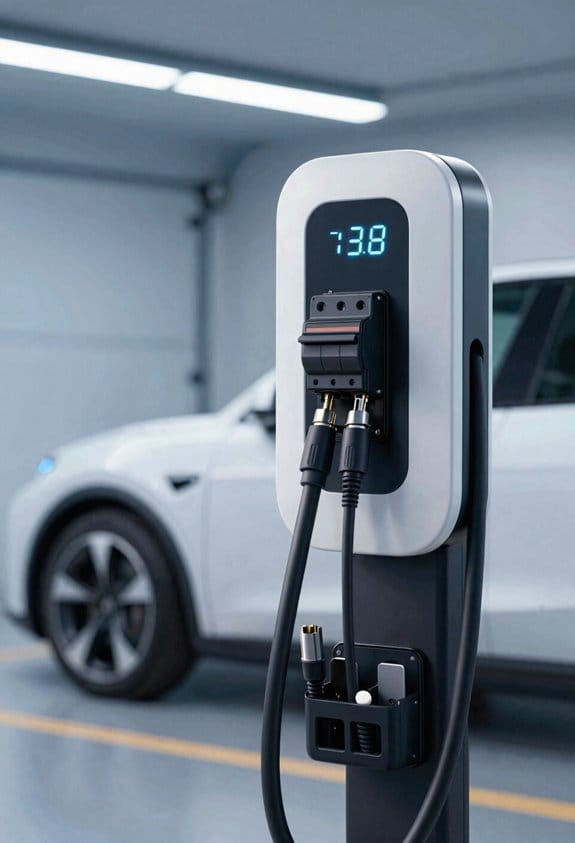
Ever tried to charge your EV at home and worried the breaker will trip the next time you plug in? I’ve been there, and the fix isn’t as hard as you might think. First, take a quick look at your main panel and see how much spare capacity you’ve got. If the charger’s draw fits comfortably under that, you’re off to a good start.
Next up is the wiring. Grab a double‑pole breaker rated for 40‑50 A and run a 4‑wire cable from the panel to the charger. Hook the two hot wires to the breaker, and connect the neutral and ground to the appropriate bus bars. This keeps the load split evenly across both phases, which is key for a smooth operation.
- Install a dedicated 40‑50 A breaker.
- Use a double‑pole, 4‑wire cable.
- Connect the neutral and ground to the panel bus.
Now, fire up the charger’s settings and enable the demand‑sensing feature. That little tweak tells the unit to draw only what the panel can handle at any moment, which helps avoid overloads. Double‑check that the new breaker coordinates with any other circuits you have running; you don’t want a surprise trip later.
Frankly, the whole process boils down to three things: confirm the panel can handle the extra load, use the right breaker and cable, and set the charger to sense demand. When you follow those steps, you’ll keep your home’s electricity stable and your EV happy.
Worth knowing: a well‑balanced installation not only protects your breaker but also prolongs the life of the charger itself. Give it a try and see how painless home charging can be. Ready to give your EV a reliable home power source?
Recommended Products

INSTALL WITH CONFIDENCE: The Enphase HCS-50 EV Charger, formerly known as ClipperCreek, delivers award-winning durability and reliability. Installation is quick and straightforward—connect it to a dedicated 50 Amp circuit by any licensed electrician.

Lightning-Fast Charging Power – Deliver up to 48 Amps and 11.5kW of power for rapid Level 2 charging—get EVs back on the road faster than ever.

THE BRAND YOU TRUST – Leviton has been in homes for over a century and electrifying vehicles for over a decade. Charge at ease with UL/Energy Star Certified stations supported by a 24/7 dedicated team
How Wi‑Fi & App Control Enable Scheduling and Real‑Time Energy Insights?
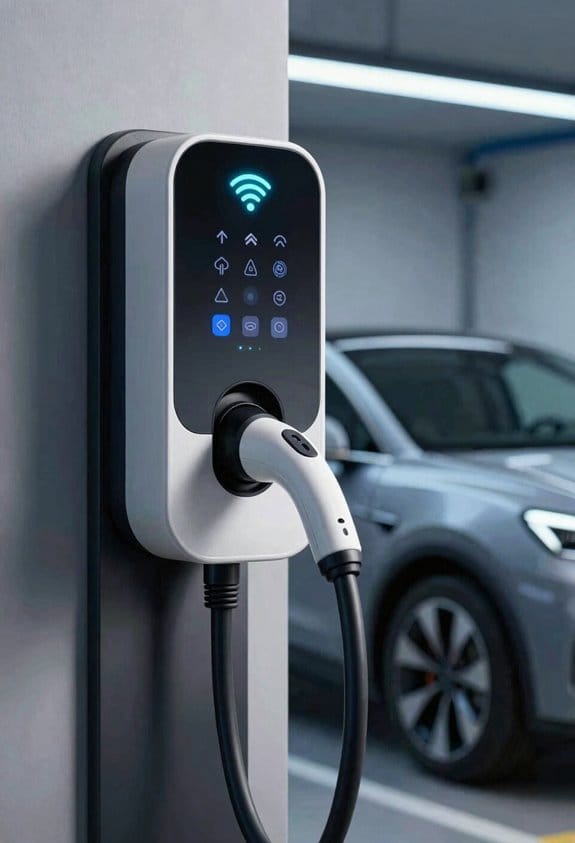
Ever wonder why your electric car sometimes feels pricey to charge? You can actually tame that bill with just a few taps on your phone.
You’ve probably noticed the charger’s app flickering on your screen, but most people don’t realize it can do more than just start and stop. By linking the unit to your home Wi‑Fi, the app lets you set a charging schedule that lines up with off‑peak rates. That means the car fills up while electricity is cheap, and you get a clear view of how much power each session pulls.
Recommended Products

Universal Compatibility: The IQ 60 EV Charger features a ruggedized NACS connector and is ideal for Tesla electric vehicles and other NACS-compatible electric vehicles with acceptance rates up to 11.5kW. Plus, you may qualify for federal and local tax credits and rebates for home electric car charging.
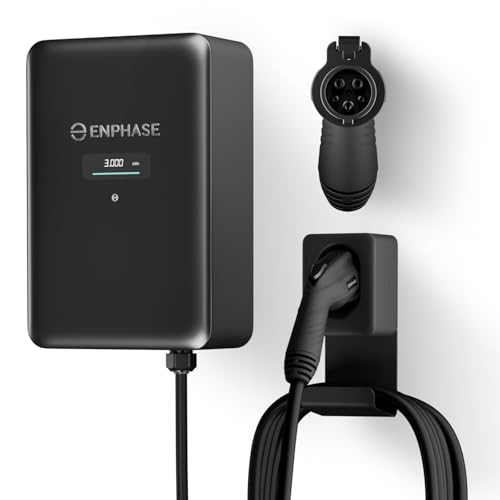
9× FASTER CHARGING: Get faster, smarter EV charging up to 11.5 kW (up to 46 miles/hour). Perfect for overnight charging or quick top-ups.

Earn Revenue with Every Charge: Set custom pricing and idle fees. Monthly payouts and usage reports included.
1. Scheduling
- Pick exact start and stop times for each day.
- Tweak the amperage to match what you need for each slot.
2. Real‑time Insights
- Watch kilowatt‑hour totals as they add up.
- See the cost per session right in the dashboard.
3. Alerts & Diagnostics
- Get a ping if consumption spikes unexpectedly.
- Run a remote check to catch any faults before they become a problem.
Frankly, these tools keep charging cheap, safe, and easy to manage. Worth knowing: you can adjust the amperage on the fly, so if you need a quick top‑up you don’t have to wait for the next scheduled window.
Give it a try and see how much you can save each month. Ready to make your charger work for you instead of the other way around?
Why Voice-Controlled Dashboards Make Hands-Free Charger Management Easy?
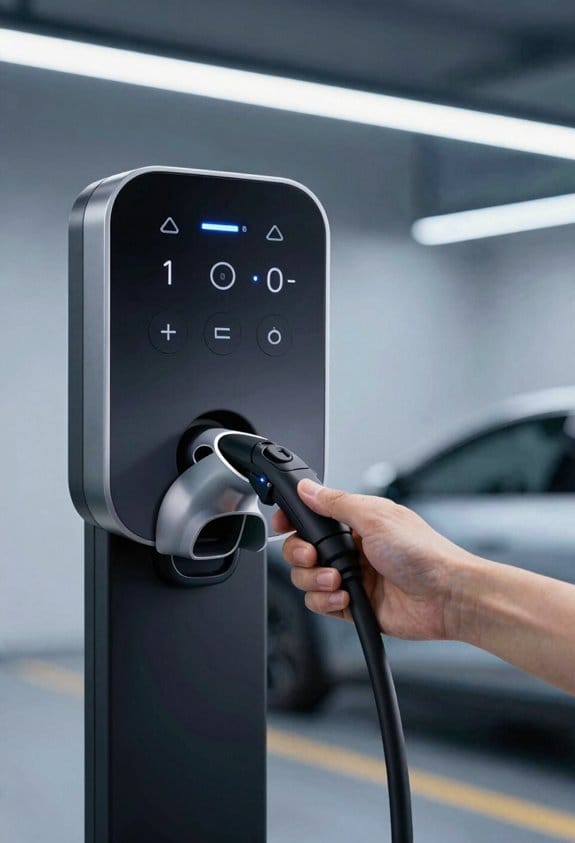
Ever find yourself juggling a pot on the stove, a grocery bag, and a charger that needs a tap on the app? That’s where a voice‑controlled dashboard comes in handy. You can say “start charging” or “stop charging” while your hands stay busy, and the assistant takes care of the rest. The setup works with the assistants you already have, so you get hands‑free power in the garage or kitchen without extra gadgets.
Simple commands
- “Set charge level to 80%”
- “Schedule charging for 10 PM”
Real‑time feedback
- Status spoken aloud
- Energy use reported on demand
Safety checks
- System confirms before high‑power start
- Alerts spoken if overload detected
Try this: instead of pulling out your phone every time you need to tweak the charger, just speak the command. The voice dashboard cuts down the steps, keeps cords out of the way, and lets you keep cooking or loading groceries without missing a beat. You’ll notice the charger responds right away, and you’ll get spoken updates on how much energy it’s using.
Frankly, the biggest win is the safety boost. When you ask for a high‑power start, the system double‑checks and confirms before it powers up, and it will shout out an alert if it senses an overload. That extra layer of verification means you can focus on your tasks without worrying about a hidden hazard.
How to Integrate Public Charging Networks for Unified Tracking?
Ever wonder why your EV’s charging history feels scattered across apps? I used to juggle three different screens, and it was a hassle. The good news is you can pull everything into one place with just a few tweaks.
How to Connect Your Home Charger to Public Networks
- Turn on public account linking right inside the charger app.
- Set up API aggregation for the networks you use most.
- Sync that data to your personal dashboard so you see the whole picture.
- Public account linking lets you log into ChargePoint, EVgo, and others from one screen.
- API aggregation pulls session data, cost, and location into a single feed.
- The dashboard shows total miles, energy used, and expenses.
Frankly, the trick is making sure your charger supports OAuth for a secure link. Use the app’s “Add Network” feature to type in the API keys. Once you’ve got it set up, the system updates automatically after each public charge.
Worth knowing: check that your charger’s firmware is up to date, otherwise the API calls might fail. If you run into any hiccups, a quick reboot of the charger usually clears things up.
Give it a try and you’ll stop hunting for receipts and start seeing real trends in your driving habits. Ready to simplify your EV life?
How Power-Sharing Options Let Multiple EVs Charge Simultaneously?
Ever tried to plug two electric cars into the same charger and watched the breaker flip? That’s a common headache for anyone juggling more than one EV at home. Power‑sharing is the trick that lets you split the available amperage so both cars can charge without tripping the circuit. The charger does the heavy lifting, balancing the load so each vehicle gets enough juice.
Key points
- Adjustable current settings (16‑50 A) let you match your household capacity.
- Dynamic load management watches other appliances, keeping the whole system safe.
- Cable management keeps cords tidy and prevents damage.
Here’s the trick:
First, link your charger to the public network. Then set the current range that fits your home’s wiring—most folks start around 30 A. Next, decide how you want the power divided. You can give the first car full power while the second gets whatever’s left, or you can split the amperage evenly. The charger will automatically adjust the flow, so you don’t have to keep an eye on the numbers.
If you’re new to this, start with a modest setting and watch the charger’s indicator lights. They’ll tell you when the load is balanced and when it’s safe to add another vehicle. Most modern units also let you set prioritization rules, so you can decide which car gets the boost when you’re in a hurry.
Worth knowing:
Dynamic load management isn’t just about the EVs; it also monitors your home’s other big draws—like the dryer or HVAC. That way the charger won’t compete with those appliances and cause an overload. Keep the cables organized and avoid sharp bends; a neat setup reduces wear and makes it easier to unplug when you need to move the car.
Try this: after you’ve set the amperage, run a short test with both cars plugged in. Check the charger’s display for any warnings, and make sure the breaker stays solid. If everything looks good, you’re ready for regular dual charging.
With the right settings and a bit of patience, you’ll have both EVs humming along at the same time—no more waiting for a single spot to free up. Ready to give it a go?
Recommended Products
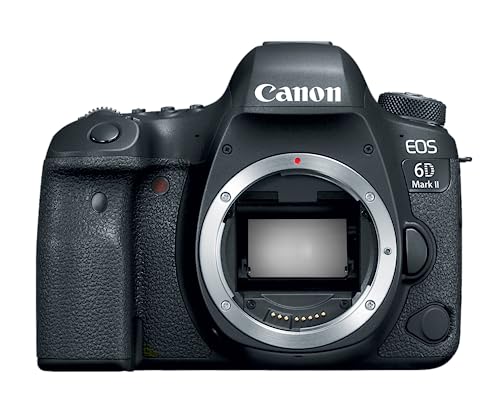
26.2 Megapixel full frame CMOS sensor

AI-POWERED SMART CHARGING & APP CONTROL – This ev charger level 2 uses Autel’s AI-integrated smart app to schedule charging around time-of-use utility rates, helping lower your monthly bill while boosting station utilization. Start or stop sessions remotely, adjust current from low to high amps, view real-time energy data, and get alerts if anything looks off.

Charge with Confidence: ChargePoint builds reliable, flexible EV charging stations for home, business, and fleets. Get 24/7 support and access to hundreds of thousands of North American charging locations.
Why Weather-Proof Enclosures and Safety Certifications Protect Your Charger?
Ever had a charger that short‑circuited after a sudden rainstorm? It’s frustrating, especially when you’re counting on it for work or home. The good news is that a solid weather‑proof enclosure and the right safety certifications can keep that from happening.
Protection
A sealed housing stops moisture from getting inside, and corrosion‑resistant contacts keep rust at bay. If you pick a unit with an IP65 rating, you’re covered against water jets, dust, and even snow. That rating means the charger can handle humidity and sleet without tripping a circuit breaker.
Safety certifications
Marks like UL, CE, or IEC tell you the internal parts meet fire‑risk standards. An automatic shut‑off feature will cut power if the charger overheats or overloads, protecting both the device and your home’s wiring.
Warranty validation
Most manufacturers will only honor a warranty if the charger has the proper enclosure and certification. Missing documentation can void coverage, leaving you to foot the bill for any repairs.
Worth knowing:
- Check the IP rating and certification labels before you buy.
- Make sure the charger meets local electrical code.
Doing these quick checks saves you time, money, and headaches down the road. Have you ever had a charger fail because it wasn’t protected? Let’s keep your gear safe and running.
How Connector Compatibility (J1772, NACS, NEMA) Future-Proof Your Home EV Charger?
Ever wonder why your new EV charger feels like a gamble? You pick a model that handles J1772, NACS, and NEMA plugs, and you’ll be set for almost every car on the road today and most that will show up later. It’s worth checking the latest future‑proofing standards before you spend your cash.
Universal plugs – J1772 covers the bulk of non‑Tesla rides, while NACS is Tesla’s fresh standard. NEMA (6‑50 or 14‑50) lets you hardwire the use a plug‑in, giving you extra flexibility for home setups.
Adaptor ecosystems – A small adaptor kit can fill any gaps that pop up. If a new connector ever appears, you won’t have to replace the whole charger.
Installation flexibility – Dual sockets let two cars share power, and a tethered cable up to 23 ft makes parking easier. Try this: run the cable along the wall so it stays out of the way when you’re not using it.
Frankly, the biggest mistake people make is buying a charger that only fits one type of plug. When you go with a multi‑standard unit, you avoid that hassle and keep your garage ready for whatever rides next.
Recommended Products

HEAVY-DUTY 6 GAUGE WIRE: Features 500 ft of 6/3 wire with ground, ideal for residential and commercial electrical installations requiring reliable power and durability.

True Drop-in Replacement: Fits standard Group 24 boxes perfectly. Swap out your old lead-acid battery in minutes - no wiring changes needed and free up space.

True Drop-in Replacement: Fits standard Group 24 boxes perfectly. Swap out your old lead-acid battery in minutes - no wiring changes needed and free up space.
How Solar Integration and Dynamic Balancing Deliver Green, Cost-Effective Charging?
Ever wonder how your electric car could be cheaper to charge while you’re still helping the planet? I’ve been testing a setup that pairs a home EV charger with solar panels and adds a little smart balancing. The result? Lower bills and a smaller carbon footprint, all without a massive remodel.
When the sun is shining, the system stores extra energy and then uses it at night. That way you avoid pulling power from the grid when rates are higher. The balancing feature shifts power between the charger and the rest of the house, so you don’t overload a circuit and you can skip pricey panel upgrades. Plus, smoothing out demand helps the local grid stay stable.
Key steps to implement:
- Install a compatible solar inverter with a bidirectional charger.
- Enable the charger’s load‑management software.
- Set schedules that prioritize solar‑generated power.
- Monitor usage via the app to fine‑tune balancing.
Frankly, the biggest win is seeing the meter run slower on a sunny day, and the difference shows up on your bill. The system also feels like a safety net—if a big appliance turns on, the charger automatically backs off, keeping everything running smoothly. It’s a simple way to make your home energy flow smarter without a lot of extra hardware.
Try this: start by checking that your inverter can talk to the charger; most modern units do, but a quick firmware update can make a big difference. Then, use the app to set a “solar first” schedule so the charger only pulls from the grid when the panels aren’t producing enough. You’ll notice the change within a few weeks.
Worth knowing: the combination of solar storage and dynamic balancing not only cuts costs but also adds resilience. If a neighborhood outage hits, your home can keep running on the stored solar energy while the grid recovers. It’s a small step toward a more reliable power system for everyone.
Result: greener charging, lower costs, and a stronger, more reliable home energy system. Ready to give it a try?
Recommended Products
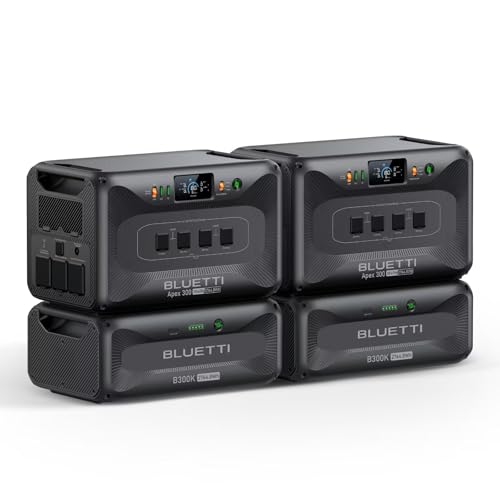
[All-Scenario Power] - Apex 300 (2764.8Wh, 3840W) keeps homes lit, RVs rolling & off-grid sites running. Parallel 2-3 units (5.5-8.3kWh), expand to 58kWh with B300K. Never powerless.

[All-Scenario Power] - Apex 300 (2764.8Wh, 3840W) keeps homes lit, RVs rolling & off-grid sites running. Parallel 2-3 units (5.5-8.3kWh), expand to 58kWh with B300K. Never powerless.

【Top-Flight Performance 】The 51.2V 100Ah liFePO4 battery is manufactured by 16Pcs Automotive Grade A grade prismatic cells with higher energy density, more stable performance & greater power. And has a compact 5.12kWh energy, which is equivalent to 4pcs 12V 100Ah LiFePO4 batteries in 4S (or even 8pcs 12V 100Ah AGM batteries in 8S). Fully compliant with the UL1973 safety standard and certified by Intertek ETL for reliable safe operation.
Frequently Asked Questions
How Does Charger Warranty Affect Long‑Term Reliability?
Think of a warranty as a safety net, stretching over years. We trust longer warranty duration and flexible transferability terms, because they keep the charger humming reliably long after purchase.
Can a Level 2 Charger Support Future Vehicle Upgrades?
We can assure you a Level 2 charger will handle battery compatibility and evolving charging standards, thanks to future‑proofing hardware and flexible vehicle power settings, so upgrades won’t require a new unit.
What Are the Cost Differences Between Hardwired and Plug‑In Installations?
We find hardwired setups usually cost more up‑front because installation cost includes conduit and panel work, while plug‑in units have lower labor cost and simpler wiring, making them cheaper to install.
Does Wi‑Fi Connectivity Expose the Charger to Cybersecurity Risks?
We’ll tell you: Wi‑Fi can expose chargers, but with proper data privacy measures and network segmentation, the risk stays as harmless as a cat’s laser pointer—visible, controllable, and mostly harmless.
How Does a Charger’s Enclosure Rating Influence Indoor vs. Outdoor Placement?
We tell you that an enclosure’s ingress protection rating determines whether we can install the charger indoors or outdoors, while its thermal management guarantees heat dissipates safely, preventing overheating in any location.


