As an Amazon Associate, we earn from qualifying purchases. Some links on this site are affiliate links at no extra cost to you. Our recommendations are based on thorough research and editorial judgment.

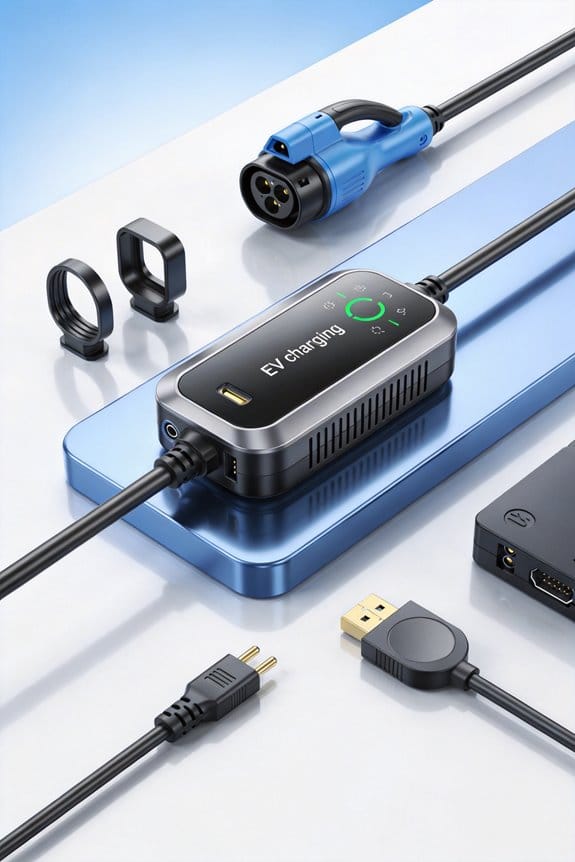
What an EV Adapter Actually Does

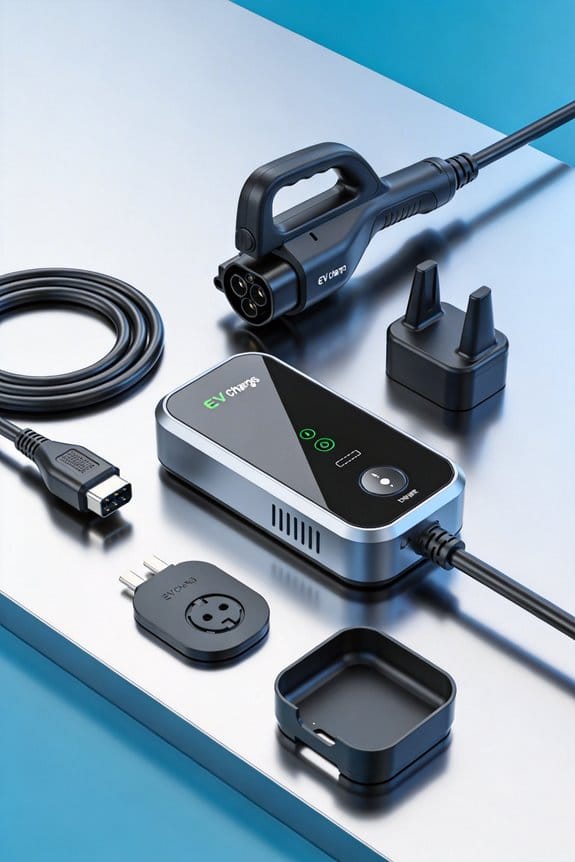
We connect the vehicle’s inlet to a charging station, lock the mechanical link, and safely route electricity while handling the communication needed for correct voltage, current, and plug‑type translation. 1) The adapter matches pins from the station plug (J1772, CCS, NACS) to the vehicle inlet (CCS2, Type 2, NACS). 2) It runs a handshake to confirm voltage, current limits, and protocol version. 3) It detects AC or DC and routes power to the battery charger. charger4) It monitors temperature, over‑current, and ground‑fault, cutting power if needed. Continue to discover sizing and safety tips.
Key Takeaways
- Provides a secure mechanical link that locks the vehicle inlet to the charging station plug.
- Maps pins between differing connector standards, enabling compatibility across AC and DC charging systems.
- Detects whether the source is AC or DC and routes power accordingly, bypassing the onboard charger for DC fast charging.
- Handles communication handshakes, voltage/current data exchange, and safety checks before allowing current flow.
- Monitors temperature, over‑current, and ground‑fault conditions, cutting power instantly if a fault is detected.
Core Function of an EV Adapter
Ever tried to plug your EV into a public charger and felt the whole thing was a hassle? You’re not alone. The trick is getting the right adapter and making sure it does its job without a hiccup.
Core Function of an EV Adapter
Connecting an EV adapter bridges the gap between a vehicle’s charging port and a station’s plug. We focus on the core function: creating a reliable connector mapping and directing energy routing.
- Secure link – The adapter locks into the vehicle and station, ensuring a stable mechanical connection.
- Signal exchange – It passes voltage and current data so the vehicle knows how much power to draw.
- Energy routing – The adapter channels electricity from the station to the battery without changing the voltage or current control.
- Compatibility – It matches different plug shapes, allowing AC or DC flow as needed.
- Use the correct adapter for each plug type.
- Verify the lock is engaged before charging.
- Check that the cable is undamaged.
You may be interested


These steps keep charging safe and efficient.
Frankly, you’ll avoid a lot of frustration by checking the lock before you walk away. If you skip that step, you might end up with a loose connection that could overheat.
Try this: give the adapter a gentle tug after you plug it in. If it stays put, you’re good to go. If it wiggles, re‑seat it until it feels solid.
That’s the trick for making sure your EV gets the power it needs without any surprise. Have you ever had a charger refuse to work because of a bad adapter?
Let me know how it went the next time you charge.
How an EV Adapter Bridges Different Plug Standards
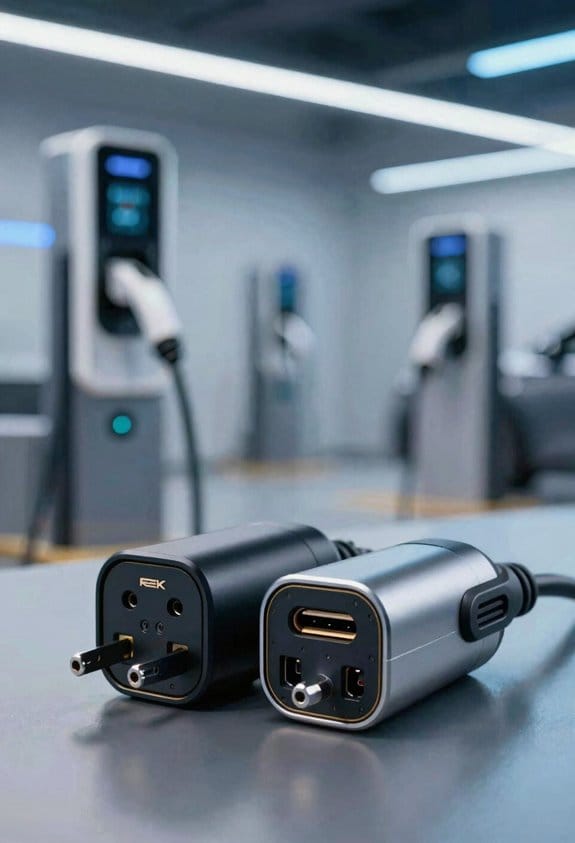
Ever tried to plug your EV into a charger and realized the plug just doesn’t match? It’s a common headache, especially when you’re traveling or using a public station. Below is a quick guide on how an EV adapter can bridge those different plug standards so you can keep moving.
How an EV Adapter Bridges Different Plug Standards
After we covered the core function, let’s look at how an EV adapter bridges different plug standards. We focus on plug interoperability and standard mapping.
- Identify the station plug – Most chargers use J1772, CCS, or NACS.
- Match the vehicle inlet – Your EV may have CCS2, Type 2, or Tesla’s NACS.
- Apply the adapter – The device contains a built‑in mapping that aligns pins from the station to the vehicle.
- Physical fit – The adapter’s housing holds both connectors securely.
- Electrical alignment – It routes the correct voltage and current without changing them.
- Safety checks – Integrated sensors verify that the mapping is correct before power flows.
We recommend checking the adapter’s specifications for the exact plug combinations you need. This guarantees reliable plug interoperability across different charging networks.
Frankly, you’ll want to keep an eye on the adapter’s rating and make sure it matches the power level of the station. Worth knowing: a good adapter will feel solid in your hand and won’t wiggle once you plug it in.
Try this: before you head out, glance at the charger’s label and compare it to your vehicle’s inlet. If they don’t line up, you’ll know exactly which adapter to grab from your trunk.
Got a favorite brand that’s worked for you? Share it in the comments and help other drivers stay charged.
How EV Adapters Communicate With Vehicles and Chargers
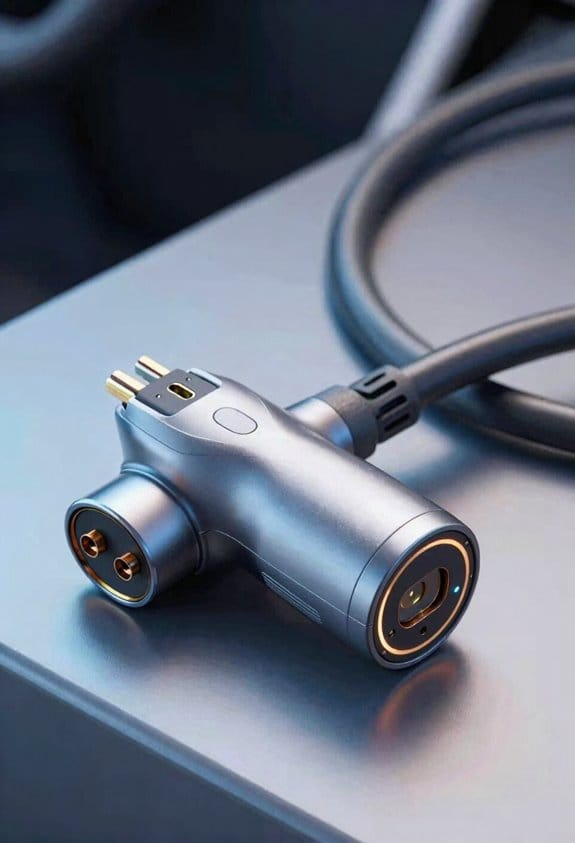
Ever tried plugging in your EV and wondered why the charger sometimes just won’t start? That’s usually because the adapter isn’t talking right to both the car and the charger. You need a clean handshake, like two people agreeing on a meeting spot before they actually meet. First, the adapter sends a start signal, then it waits for the vehicle’s acknowledgment. Once the car replies, the charger gets a request for voltage and current limits. The adapter then passes those limits back to the car, confirming everything matches before any power flows.
Key steps
- Initiate handshake.
- Exchange voltage data.
- Verify current limits.
- Confirm readiness.
What to check
- Proper protocol version.
- Accurate timing gaps.
- Consistent voltage reports.
Frankly, if any of those pieces slip, you’ll see flickering lights or a stalled charge. Try this: double‑check the timing gaps with a simple oscilloscope or a cheap logic analyzer. It’s amazing how a few microseconds can make or break the whole process.
Honestly, most people overlook the protocol version. Your adapter might be set to an older spec that the car just won’t recognize. Updating the firmware usually fixes that, and you’ll see the charger start up without a hiccup.
Worth knowing: the voltage reports need to be spot‑on. If the car says it wants 400 V but the charger reports 380 V, the adapter will refuse to pass the power. Keep an eye on those numbers in the diagnostic screen.
Follow these steps to guarantee reliable communication and safe charging. Got any other EV quirks you’ve wrestled with? Let’s swap stories and keep those rides rolling.
AC vs. DC: Detecting and Routing Power in EV Adapters
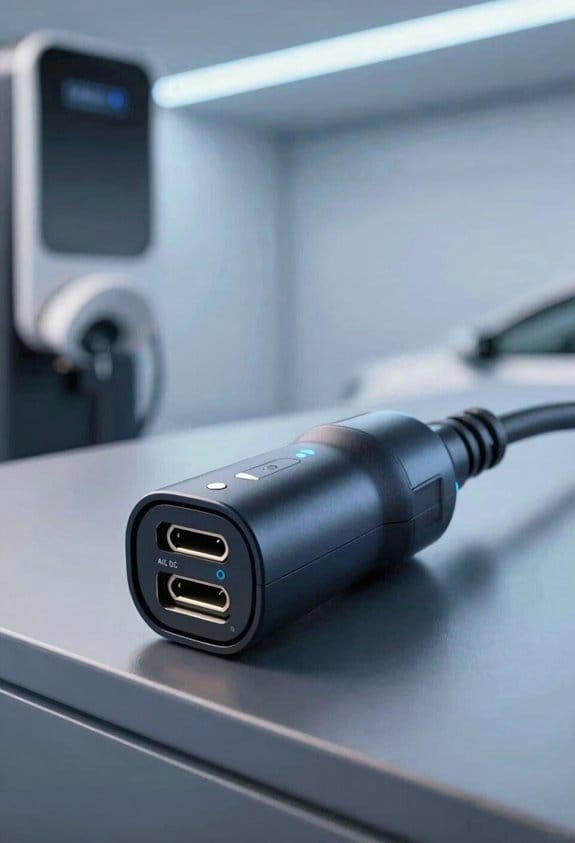
Ever wondered why your EV sometimes refuses to charge when you plug it in? The trick is figuring out if the charger is feeding you AC or DC before the power gets routed. First, the adapter looks at voltage patterns and checks polarity to spot DC. Once it knows it’s DC, it isolates the signal so your car’s communication lines stay clean, then it decides which path to take.
AC routing
- Connects to the vehicle’s onboard charger.
- Sends power through the AC line.
- Keeps DC pins idle.
DC handling
- Bypasses the onboard charger.
- Sends power directly to the battery.
- Uses separate pins for high‑current flow.
You go through these steps every time you plug in, which keeps the right route in place, protects the electronics, and lets the battery charge efficiently.
Frankly, the whole process is quick, but missing a step can cause trouble. Worth knowing: the isolation step is what stops noise from messing with your car’s data bus.
Try this: after you plug in, give the adapter a second to settle before you start driving. It lets the system finish its detection and routing without a hitch.
Got a charger that still acts up? Maybe it’s the pin layout—check that the DC pins aren’t stuck in the “idle” position when you need them.
What’s the most annoying charging hiccup you’ve faced?
How EV Adapters Keep You Safe
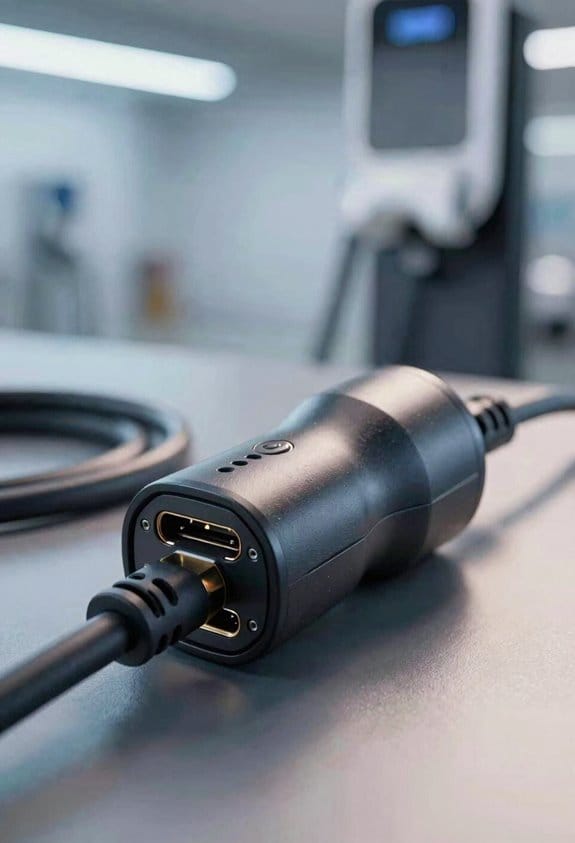
Ever tried plugging in your EV charger and wondered if the adapter’s really keeping you safe? I’ve been there, and the peace of mind comes from a few simple built‑in tricks that most people overlook.
We’ve just seen how the adapter decides between AC and DC, now let’s look at the safety side. We protect the vehicle and the charger with several built‑in features. First, temperature monitoring watches the cable and connector for heat. If it rises too high, the system cuts power. Second, emergency disconnect stops current instantly if a fault occurs. These safeguards keep you safe during every charge.
Key safety actions
- Detect over‑current and shut down.
- Monitor temperature and trigger cut‑off.
- Use ground‑fault detection.
- Lock the connector to prevent accidental pull‑out.
- Provide a clear emergency disconnect button.
Frankly, the best habit is to follow the manufacturer’s instructions and give the adapter a quick once before each use. That quick check catches loose pins, frayed cords, or anything that could cause a spark. If you spot any damage, swap it out—don’t gamble with a faulty piece of gear.
Worth knowing: a solid charger will also have a ground‑fault circuit interrupter (GFCI) that trips if any stray current finds its way to the car’s frame. That extra layer means even if the cable gets a nick, you’re still protected from a shock.
Try this: keep a small notebook in your garage and jot down the date you inspected the adapter, plus any notes on its condition. Over time you’ll see a pattern and can replace the unit before it becomes a problem. It’s a tiny step that saves a lot of hassle later.
Common EV Adapter Types and When to Use Them
Ever found yourself staring at a charger and wondering if your plug will actually fit? I’ve been there, and the right adapter can save you a lot of hassle.
Recommended Products

Level 2 Charging Performance – Provides up to 50A of power for fast charging; adds approximately 32 miles of range per hour at 40A using a NEMA 14-50 plug.

UNIVERSAL COMPATIBILITY: Seamlessly transitions between NACS and J1772 connectors, accommodating all major North American EVs including Tesla Vehicles

【50Amp Level 2 EV Charger】 The ELECQ EV Charger provides fast, efficient charging with hardwired installation, offering up to 48 miles of range per hour and a maximum output of 50 amps (depending on your EV's specs and breaker capacity). Adjust the current via the Elecq App. The SAE J1772 connector works with all North American EVs (Tesla's NACS needs an adapter).
J1772 → NACS
This little gadget lets a Tesla plug into most public Level‑2 stations that use the J1772 standard. It’s handy when you’re on a road trip and the only chargers you see are the J1772 type.
NACS → CCS
If you drive a non‑Tesla EV and want to tap into Tesla’s Supercharger network, this adapter is the key. It’s perfect for those fast‑charging stops where you’d otherwise have to hunt for a different station.
CCS1
CCS1 adds a few extra pins so you can do DC fast charging at non‑Tesla stations. You’ll appreciate it on high‑power stops that can get you back on the road quickly.
NEMA 14‑50 → 6‑50
Many homes have a NEMA 14‑50 outlet, but your EV might need a 6‑50 plug for Level‑2 charging. This adapter bridges that gap, letting you charge at home without rewiring.
Type 2 → CCS2
European V3/V4 Superchargers use a Type 2 connector, while some cars only accept CCS2. This adapter lets you use those fast chargers when they’re the only option around.
Fair warning: Always double‑check the latest regulations and the specs of both your car and the charger. Compatibility can shift with new standards.
Try this: Keep a small checklist in your car showing which adapters you own and which stations they work with. It’ll save you from a last‑minute scramble.
[InternalLink:…]
[InternalLink:…]
What’s the one adapter you wish you’d bought sooner?
Installing and Using an EV Adapter at Home
Ever wonder why your EV charger feels like a DIY project every time you plug in? You’re not alone—many of us have wrestled with figuring out the best way to set up a home charging point without turning the garage into a mess.
First, give the wall outlet a quick once. Make sure it matches the rating of the adapter you plan to use; a mismatch can cause overheating or a blown fuse. Once you’ve confirmed it’s a good fit, follow these steps for a safe and tidy installation:
- Turn off the circuit breaker.
- Mount the adapter near the outlet.
- Connect the adapter to the outlet securely.
- Attach a short, high‑quality charging cable.
- Plug the cable into the vehicle.
For cable management, I recommend zip ties or a small conduit to keep the cord tidy and out of traffic. Test the connection before each charge—this habit saves you from surprise hiccups later.
Frankly, the biggest mistake people make is ignoring the little details. A loose plug or a frayed cord can turn a simple charge into a safety hazard. Worth knowing: keep the area around the outlet clear of anything that could block airflow or cause a trip.
If you’re looking for a quick win, try this: run a short piece of conduit from the outlet to the mounting spot, then pull the cable through it. It keeps the cord protected and makes it easy to replace the cable later without tearing anything apart.
Cable management is more than aesthetics; it prevents wear and tear. A neat setup also means you won’t trip over the cord when you’re grabbing a coffee or moving a box. And because you’re checking the connection each time, you’ll catch any loose connections before they become a problem.
So, after you’ve got everything in place, give it a quick test run. Plug the charger into your car, watch the indicator lights, and make sure the current flows smoothly. A smooth start means a reliable charge every day.
Now you’ve got a home charging station that works without fuss. Ready to give it a try?
Recommended Products

EVSE W/PEDESTAL RETRACTOR

INSTALL WITH CONFIDENCE: Formerly ClipperCreek, the core technology that comes inside every Enphase EV charger has earned its award-winning reputation by delivering industry-leading durability and reliability. Now they're made even better with a 5-year limited manufacturer warranty and 24/7 customer support. This HCS-D50 hardwired home dual electric car charging station comes fully assembled and offers quick installation to a dedicated 50 Amp circuit with any licensed electrician.

Dual Charging on a Single Circuit: Charge two EVs simultaneously with the HCS-D40’s dual-port design, delivering 32 Amps to one vehicle or 16 Amps to two vehicles, minimizing the need for costly electrical upgrades.
Public‑Station Tips for EV Adapters on the Road
Ever gotten to a public charger and felt a second‑guessing your adapter? You’re not alone. A quick double‑check can save you a lot of hassle.
1. Verify charger etiquette** – park in a designated EV space, don’t block others, and move the car promptly** when charging ends.
2. Confirm payment options** – many stations accept credit cards**, mobile apps, or RFID tags. Have your preferred method ready before you plug in.
3. Inspect the connector** – look for dirt, damage, or moisture** that could affect the adapter.
4. Secure the connection**** – lock the adapter in place and make certain the vehicle’s charging port clicks shut.
5. Monitor the session**** – watch the display for errors and stop charging if anything looks abnormal.
Fair warning: Some stations have time limits or reserved spots, and missing those signs can get you a ticket.
Try this: Before you even pull up, glance at the station’s signage for any special rules. It’s a tiny step that can keep you out of trouble.
When you finally plug in, give the charger a quick once‑over. If the connector looks dirty or wet, wipe it off or find another spot. A clean connection means fewer interruptions.
If you’re using a mobile app, make sure it’s updated and that you’ve entered the right payment method. A missed notification can halt the session before you know it.
Lastly, keep an eye on the display. If you see an error code, stop and check the connection before it escalates.
Got any other tips that helped you at the road? Share them and let’s keep the community charging smoothly.
Recommended Products

Expand Your Backup Capacity: Add B6000 Battery Module to extend E10 from 6kWh to 90kWh total. Each 6kWh module adds 1 day of essential backup. Stack up to 5 modules per E10 (30kWh max). Triple systems reach 90kWh for 15-day backup.

CCS1 to CHAdeMO fast charging adapter, suitable for DC fast charging.

Troubleshooting Common EV Adapter Problems
Have you ever plugged in your EV adapter and watched the lights stay dead? It’s frustrating, especially when you’re ready to hit the road. I’ve been there, and after a few tries I figured out a simple routine that usually saves the day.
First, take a look at the connector. Bent or dirty pins are a common culprit. Grab a dry cloth and give them a quick wipe. If you see any rust or corrosion, it’s best to replace the adapter—those little bits can mess with the signal.
Next, give the firmware a chance to reset. Unplug the adapter, wait about 30 seconds, then plug it back in. That short pause often clears a glitch that’s keeping the unit from talking to your car.
If you’re still stuck, work through these steps:
- Make sure the station’s power rating doesn’t exceed the adapter’s limit.
- Check the cable for any cuts, kinks, or frayed spots.
- Look inside the vehicle’s charging port and clear out any dust or debris.
- Open the manufacturer’s app and run any available firmware updates.
Worth knowing: a clean port and a fresh firmware version solve most issues.
If none of these fixes get the adapter humming, it’s time to reach out to support. They can walk you through deeper diagnostics or arrange a replacement if needed.
Got any other tricks that have worked for you? Share them in the comments!
Recommended Products
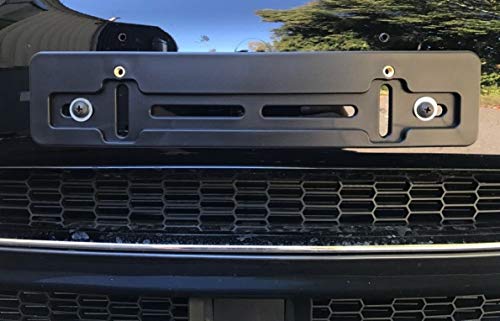
Compatibility: It's a design made to fit all Makes and Models ( Auto Car Sedan Truck Van SUV Hatchback Crossover Pickup Coupe Convertible Wagon Golf Cart Vehicle ) with the Flat Shape of the Bumpers. It won't work on Curved Spots of the Bumper or V-shaped Bumpers! You can mount it on the left or right side of the bumper too. This is not an OEM bracket.

【Trusted Brand】Autel has been making automotive intelligent diagnostic, inspection, and analysis products since 2004. The MaxiCharger AC Home was developed over 2 years from a full team of designers and engineers to bring you the safest, smartest, and one of the best looking chargers on the market.
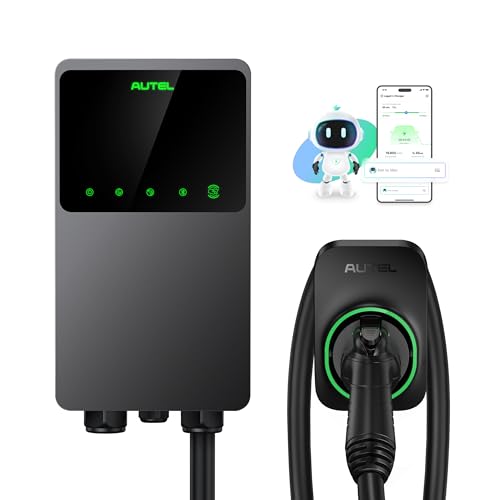
【Trusted Brand】Autel has been making automotive intelligent diagnostic, inspection, and analysis products since 2004. The MaxiCharger AC Home was developed over 2 years from a full team of designers and engineers to bring you the safest, smartest, and one of the best looking chargers on the market.
Choosing the Right EV Adapter for Your Vehicle and Lifestyle
Choosing the right EV adapter starts with matching your vehicle’s plug type to the chargers you’ll use most often. We check the plug standards you own, then list the stations you visit.
- Identify your vehicle’s inlet (J1772, CCS, NACS, Type 2).
- List frequent charger types (home Level 2, public DC fast, Tesla Supercharger).
Next, we compare adapters:
- Compatibility with your plug and each charger.
- Adapter aesthetics: size, color, and cable management.
- Warranty considerations: length, coverage, and manufacturer support.
We also think about usage: daily home charging vs. occasional road trips. Choose the smallest, most durable unit that fits your routine and offers a solid warranty. This keeps charging simple and reliable.
Recommended Products

FAST LEVEL 2 CHARGING UP TO 46 MILES PER HOUR – Delivers up to 48 amps at 240V (11.5 kW) for up to 46 miles of range per hour. Charge overnight and wake up to a full battery in your J1772 EV

NACS standard (Tesla) Charger: Compatible with NACS charging port EVs in the US . 4 3/4" LED display for live vehicle charging updates. 9.6kW (40A) or 11.5kW (48A)
![Lectron NACS to CCS Electric Vehicle Adapter with Interlock - (500A/1,000V) - Compatible with Tesla Superchargers - CCS1 EV Fast Charging with Vortex Plus [Check Automaker for Compatibility] - UL 2252](https://m.media-amazon.com/images/I/310Iflz5lIL._SL500_.jpg)
ACCESS TESLA SUPERCHARGERS NATIONWIDE - Unlock 25,000+ V3 and V4 Tesla Superchargers. This NACS to CCS adapter enables non-Tesla EVs with Supercharger access to easily connect to the Tesla fast charging network
Frequently Asked Questions
Can an EV Adapter Be Used With Both AC and DC Chargers Simultaneously?
We can’t use one adapter for AC and DC at the same time; simultaneous charging would trigger safety interlocks, preventing power flow to protect the vehicle and the charger.
Do Adapters Affect the Vehicle’s Warranty or Certification?
We tell you adapters can affect warranty implications and pose certification risks, so we recommend checking the manufacturer’s policy and ensuring the adapter meets approved standards before use.
What Is the Impact of an Adapter on Charging Speed and Efficiency?
We’ll see that adapters typically keep charging efficiency high, but some introduce slight power throttling due to extra resistance or communication delays, so you might notice a modest reduction in peak speed compared to a native connector.
Are Adapters Compatible With All Battery Management Systems?
We’re not universal; adapters must match each vehicle’s firmware compatibility and communication protocols, so some BMSs work flawlessly while others need specific firmware updates or won’t pair at all.
How Do Temperature Extremes Influence Adapter Performance?
We tell you that cold derating reduces current capacity, while thermal cycling can loosen contacts and degrade insulation, so extreme temperatures may limit power flow and shorten the adapter’s lifespan.