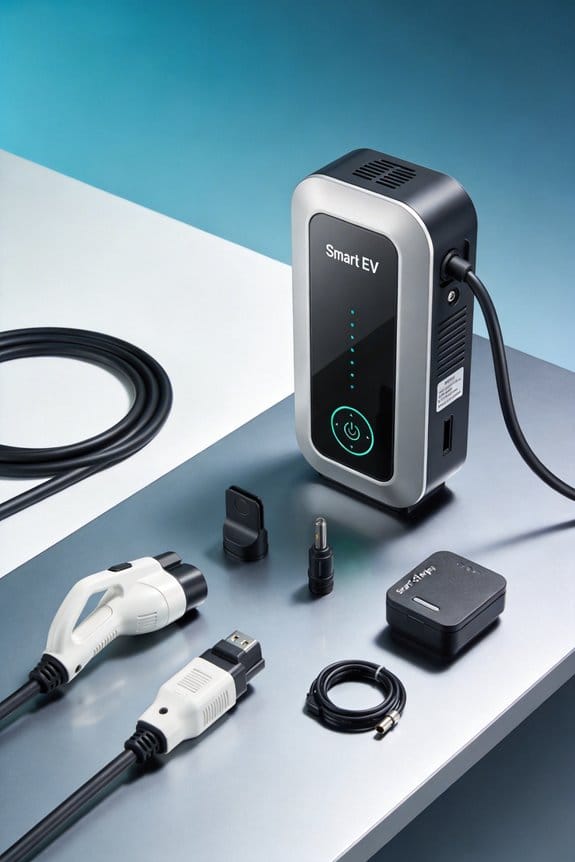
As an Amazon Associate, we earn from qualifying purchases. Some links on this site are affiliate links at no extra cost to you. Our recommendations are based on thorough research and editorial judgment.

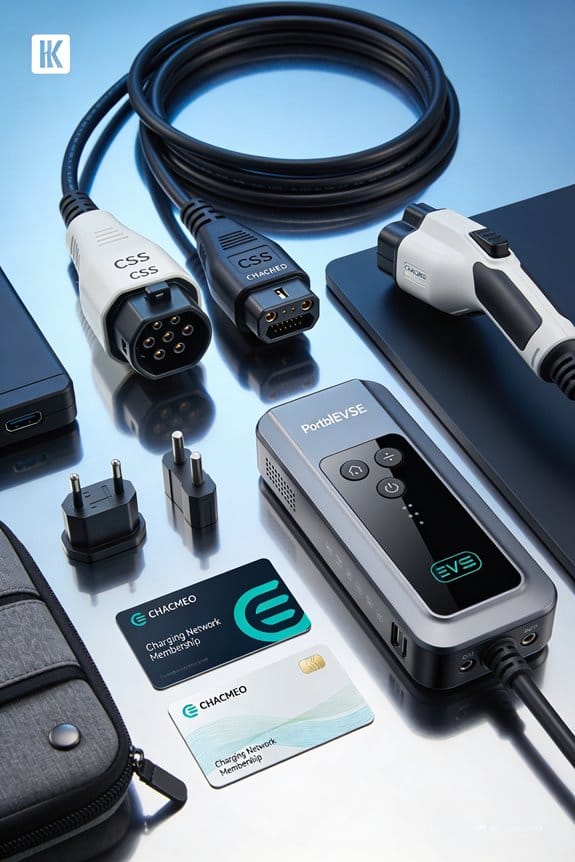
How Drivers Prepare for Mixed Charging Networks on a Trip

We start by listing each EV’s plug type—Level 1, Level 2 (J1772), CCS, CHAdeMO, NACS—and match them to our owned chargers and the stations on the route. Next, we check real‑time maps for charger availability and note Plug‑and‑Charge (ISO 15118) sites. Then we pick Level 2 for long stops and DC Fast for short‑dwell legs, adding extra time for cold weather. We load a single payment app or RFID wallet and keep a portable 12 V power bank and a generator‑compatible adapter ready. Finally, we test a nearby charger before the trip and keep backup options handy, so you’ll see more details ahead.
Key Takeaways
- Verify your vehicle’s plug types and firmware support (ISO 15118/Plug‑and‑Charge) before departure.
- Map the route with real‑time charger availability, marking Plug‑and‑Charge stations and backup Level 2 options.
- Match charger type to each leg: use DC fast chargers for short stops, Level 2 for longer dwell times, accounting for weather‑related range loss.
- Consolidate payments into a single RFID or app wallet and confirm each station’s protocol (Plug‑and‑Charge) before pulling in.
- Pack a fully‑charged portable power bank or generator adapter for emergencies and test them regularly.
Identify Your Fleet’s Plug Types for EV Route Planning
You may be interested


Ever tried to plot a road trip for your fleet only to hit a dead‑end because the charger didn’t match the plug? It’s a hassle you can dodge with a quick inventory check.
Identify your fleet’s plug types before you map routes. We start by checking vehicle compatibility across all trucks and vans. Create a simple list of each model and its supported plugs. Then build a connector inventory that shows which chargers we already own.
- List each vehicle.
- Note Level 1, Level 2 (J1772), CCS, CHAdeMO, NACS.
- Record location, power rating, and condition.
- Choose chargers that fit the inventory.
- Prioritize stations with multiple types.
- Add missing plugs where needed.
- Keep inventory up‑to‑date for future trips. This keeps planning clear and avoids mismatches.
Frankly, a clean list saves you from scrambling at the last minute. Worth knowing: once you’ve got the plug map, you can line up stops that actually work for every vehicle.
Got a new van on the way? Add its plug info right away so the next route plan stays smooth.
Try this: pull a quick spreadsheet, column by column, and flag any gaps before you hit the road.
Ready to keep your fleet moving without surprise stops?
Recommended Products

Charge with Confidence: ChargePoint builds reliable, flexible EV charging stations for home, business, and fleets. Get 24/7 support and access to hundreds of thousands of North American charging locations

【Trusted Brand】Autel has been making automotive intelligent diagnostic, inspection, and analysis products since 2004. The MaxiCharger AC Home was developed over 2 years from a full team of designers and engineers to bring you the safest, smartest, and one of the best looking chargers on the market.
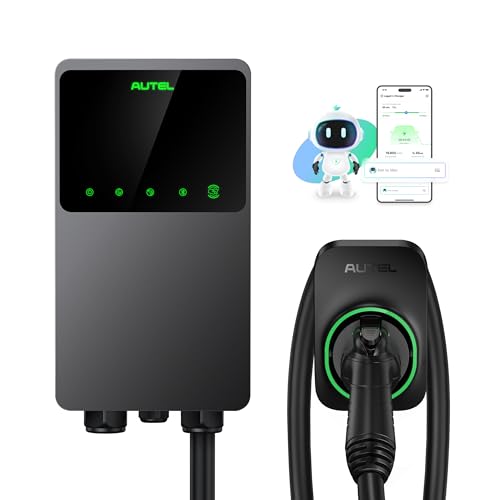
【Trusted Brand】Autel has been making automotive intelligent diagnostic, inspection, and analysis products since 2004. The MaxiCharger AC Home was developed over 2 years from a full team of designers and engineers to bring you the safest, smartest, and one of the best looking chargers on the market.
Map Your Route and Check Real‑Time Charger Availability
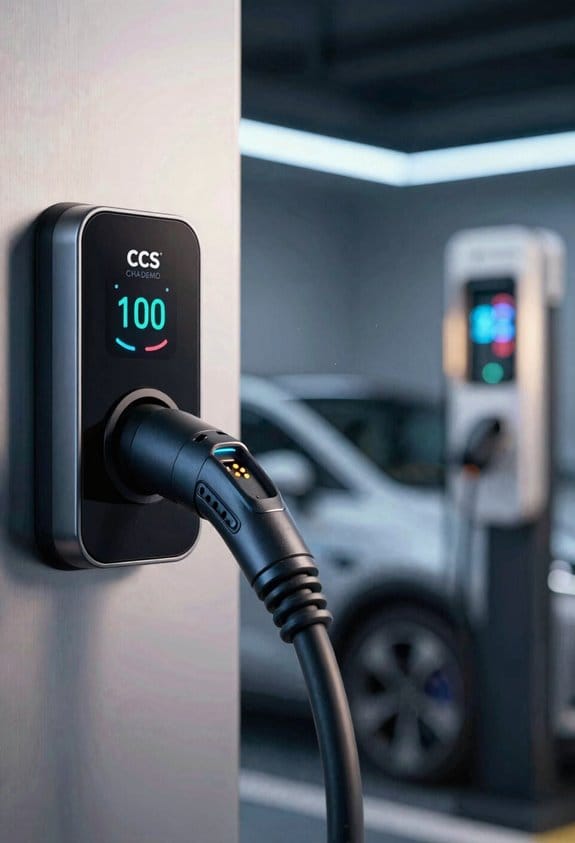
Ever gotten stuck on a road trip because a charger was suddenly out of service? I’ve been there, and it can throw a wrench into any schedule. The good news is that a quick check before you hit the road can keep your fleet humming.
Mapping your route and checking real‑time charger availability keeps the fleet moving smoothly. We start with a real time mapping app that shows each station’s status. The app sends charger closures alerts when a site is down, so we can reroute instantly.
- Load the route into the planner.
- Enable live availability layers.
- Review each stop for range buffer.
- Check power type at each point.
- Note any alerts before departure.
- Save alternative stations nearby.
We verify the plan by driving a short test leg. If an alert appears, we adjust the next leg before the trip begins. This routine cuts delays and keeps the schedule on track.
Frankly, the trick is to treat the map like a live dashboard, not a static picture. Worth knowing: keep an eye on the alerts as you load the route, and you’ll catch problems before they become roadblocks. Have you tried this approach on your next trip?
Choose Level 2 or DC Fast Chargers for Every Trip Segment
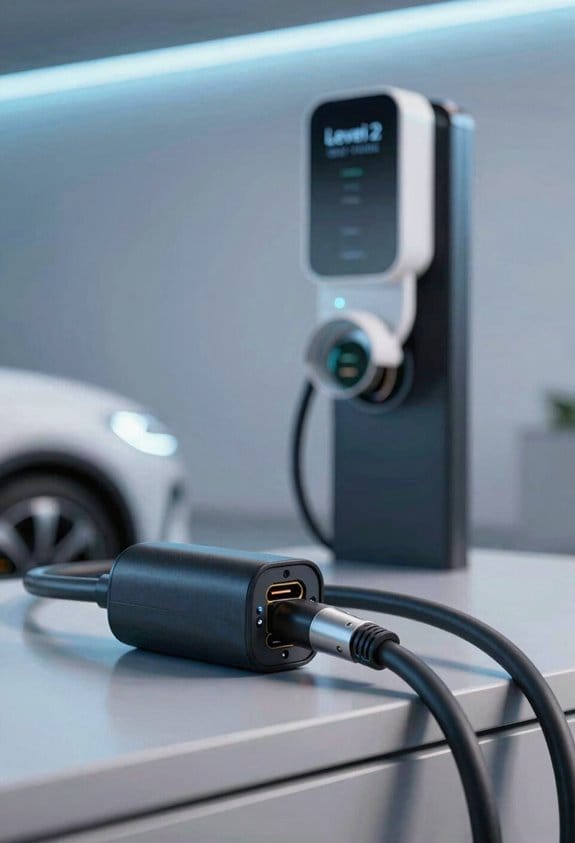
Ever wonder why some EV trips feel smooth while others leave you scrambling for a charger? The trick is matching the charger type to each leg of your journey, based on distance, how long you’ll stay, and the weather.
After checking real‑time availability, we decide which charger type fits each leg of the trip. We match charge timing to the segment length and dwell estimation. For long highway stretches we pick DC Fast Chargers, because they add power quickly and keep seasonal range high. For city or park stops we choose Level 2, as they fit short dwell times and reduce thermal impacts on the battery.
- Identify each leg’s distance.
- Estimate how long we will stay (dwell).
- Choose DC Fast if dwell < 30 min or range loss is critical.
- Choose Level 2 if dwell ≥ 30 min or we can charge while parked.
- Check weather; cold days need extra charge timing to protect thermal impacts.
Following these steps keeps the trip efficient and safe.
Frankly, the biggest mistake drivers make is treating every stop the same. A quick coffee break isn’t the right time for a Level 2 charger if you’re only five minutes out. Instead, aim for a DC Fast station when you’re on a long stretch and need a boost fast.
Worth knowing:
- Long highway stretches – DC Fast Chargers get you back on the road in under half an hour.
- City or park stops – Level 2 chargers work well when you can park for a while, like at a museum or a grocery store.
If you keep an eye on the forecast, you’ll avoid the extra charge time cold weather demands. A chilly morning can sap battery power, so planning a little extra dwell time at a Level 2 spot can save you from a low‑range surprise later.
Here’s the trick: always double‑check real‑time availability before you set out. Apps that show live charger status let you skip the dead‑ends and keep your itinerary on track.
Recommended Products

CCS1 to CHAdeMO fast charging adapter, suitable for DC fast charging.

[3-in-1 Charger, Maintainer and Jump Starter] Three integrated features that charge your portable power station, keep your vehicle battery in peak condition and acts as a jump starter when you need it

Manage Power Budgets and Load‑Sharing Across Overlapping Chargers
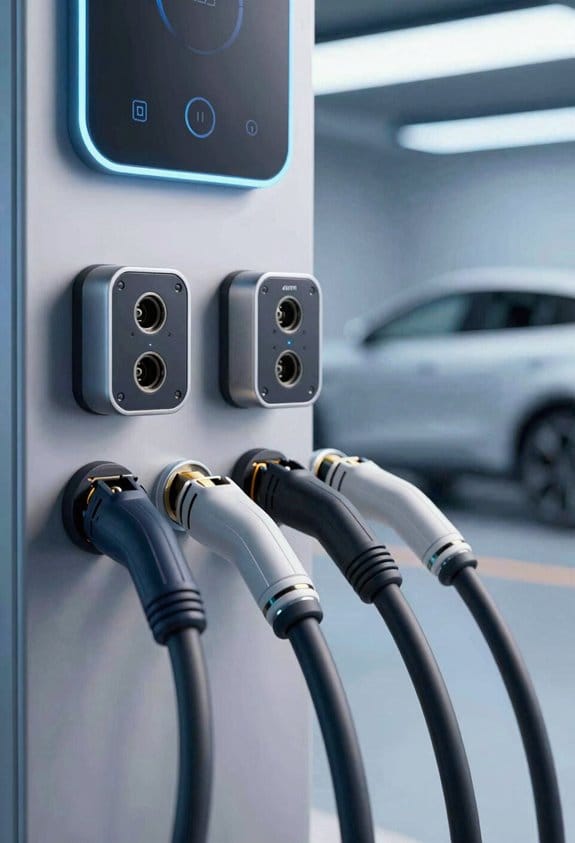
Ever found yourself stuck at a charging station, wondering if you could have avoided the bottleneck? Balancing power budgets and load‑sharing across overlapping chargers can keep you moving and your wallet happy. Below are some real‑world steps that have helped me and many others stay on the road without a hitch.
Map charger clusters – Spot the places where Level 2 and DCFC stations sit side by side. Knowing where the overlap happens lets you plan a route that never forces you into a single‑source jam.
Apply dynamic load sharing**** – Set your vehicle’s charging system to split power between chargers when both are available. This stops any one source from hitting its limit and spreads the load evenly.
Size the battery buffer**** – Pick a buffer that can hold enough energy to cover the longest gap between chargers. A bigger buffer means you won’t have to rely on just one charger during a long stretch.
Set priority rules** – Tell the car to favor cheaper or faster chargers** first, then switch to the second charger if the first reaches its limit. It’s a simple way to keep costs down without missing a beat.
Monitor real‑time usage** – Keep an eye on the dashboard for load alerts** and tweak settings on the fly. A quick glance can save you from a surprise overload.
Frankly, these actions keep your power budget stable and costs low. Worth knowing: you don’t need fancy tech—just a bit of planning and a few settings tweaks. Have you tried any of these tricks on your next road trip?
Streamline Payments for EV Charging Stations With One App or RFID
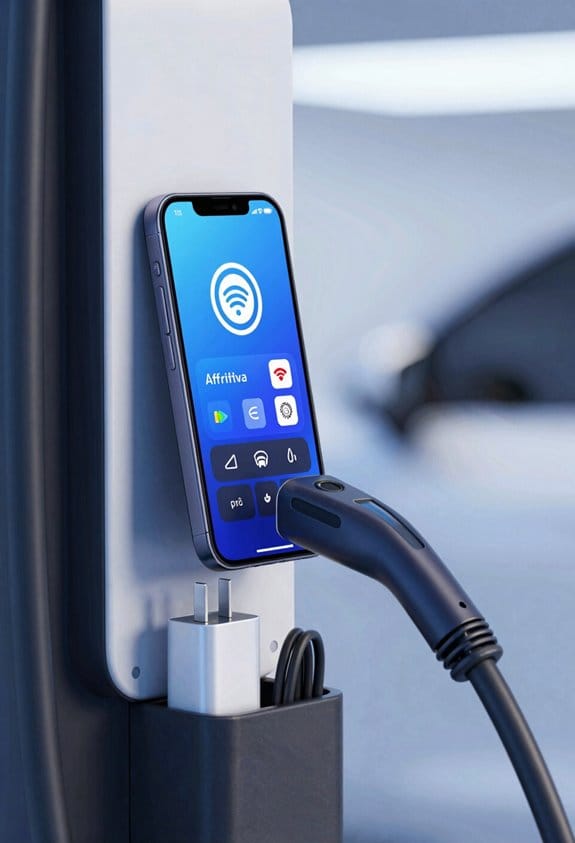
Ever gotten stuck at a charging station because you can’t find the right app or card? It happens to the best of us, and it can turn a quick pit stop into a stressful scramble. I’ve been there, juggling three different apps and a handful of RFID tags, only to realize I’m missing the one that actually works at that station. The good news? You can ditch the hassle with a single wallet that ties all your accounts together.
First, pick a provider that lets you unify RFID tags. When you load credit once, the system takes care of the rest, pulling the right balance for each session. Keep the app fresh, and you’ll always have the latest station maps at your fingertips.
- One tap starts charging.
- No need to carry several cards.
- Payments settle instantly.
Here’s the trick: load your credit in one go and let the app handle the deductions automatically. You’ll spend less time fumbling with passwords and more time on the road. Plus, the balance, pricing, and history show up in a single view, so you never have to guess how much you’ve spent.
Frankly, the biggest win is how fast you can get back on the road. No more hunting for a specific QR code or swapping cards between stations. The whole process feels almost effortless, and you’ll notice the difference the first time you try it.
If you’re ready to simplify your charging routine, start by checking which providers support RFID unification. Then, load your wallet, keep the app updated, and enjoy a smoother drive.
What’s the one thing you wish charging stations did better for you?
Future‑Proof EV Stops With Plug‑And‑Charge and Iso 15118
Ever gotten stuck at a charging station because the plug just wouldn’t talk to your car? That frustration can turn a quick pit stop into a wasted hour. Plug‑and‑Charge and ISO 15118 are built to stop that from happening. They let you plug in and go—no card, no app, just a smooth hand‑off between car and charger. If you hunt down stations that support these standards, you’ll keep moving and keep your schedule on track.
Check station signage – Look for Plug‑and‑Charge logos or ISO15118 Integration tags.
Verify vehicle compatibility – Make sure your EV’s firmware supports the protocol.
Use mapping tools – Filter results by Plug‑and‑Charge availability.
Plan stops – Choose locations with reliable power and backup power options.
Test before the trip – Charge once at a nearby station to confirm the connection works.
Following these steps keeps your route efficient and reduces downtime. This approach works for both public networks and private fleet chargers.
Frankly, the biggest hassle is finding a station that actually works with your car.
Try this: pull up your favorite navigation app, type “Plug‑and‑Charge” into the filter, and then double‑check the sign on the station before you pull in.
A quick test at a nearby charger can save you a whole afternoon later on. When you’re on the road, a little extra planning now means you won’t have to scramble for a backup plan later.
Give it a try on your next road trip and see how much smoother the ride feels. Ready to make every stop count?
Prepare Backup Plans: Portable Chargers and Emergency Power
Ever found yourself stuck at a charging station that’s suddenly out of service, or a blackout that leaves your EV dead‑center on the road? It’s a frustrating spot, but a little prep can keep you moving.
Portable powerbanks
Pick a high‑capacity model that gives you a 12 V output. Keep it fully charged before every trip, and use it for low‑draw gadgets or a quick boost to a small EV charger. It’s perfect for those few miles when you need a little extra juice.
Roadside generators
A fuel‑type unit with a stable 240 V output works best for longer outages. Store spare fuel safely and follow the basic safety steps. When you need to charge, connect the generator to a proper EVSE adapter.
- Test both devices regularly.
- Store them where you can grab them fast.
- Rotate batteries now keep their capacity from slipping.
Frankly, the trick is to treat these tools like any other travel gear—keep them clean, check them often, and know exactly where they sit in your trunk. Worth knowing: a quick glance at the battery level before you head out can save you a lot of hassle later.
If you ever wonder why a simple powerbank feels like a lifesaver, think about those moments when a coffee shop’s outlet is the only thing left. A little extra power can make the difference between a smooth ride and a stranded night.
Keep your backup plan simple, and you’ll never have to panic when the grid goes dark. Ready to add a powerbank to your travel kit?
Frequently Asked Questions
How Do I Verify My Vehicle’s Compatibility With Emerging NACS Chargers?
We’ll first check firmware compatibility and then confirm the adapter strategy; if your car’s software supports NACS and you have the right adapter, you’re set for emerging chargers.
What’s the Best Way to Handle Mixed‑Plug‑Type Chargers on a Single Route?
We recommend an adapter strategy and strict plug etiquette: carry compatible adapters, verify each station’s plug type, label cables, and follow charging‑point protocols so we never waste time or risk mismatches.
Can I Use a Single RFID Tag for All Level 2 and DCFC Stations Nationwide?
We’ll tell you straight: a single RFID tag can work nationwide if the network supports RFID interoperability and you’ve set up account consolidation, letting you glide between Level 2 and DCFC stations without hassle.
How Do I Ensure Charger Uptime Exceeds 97% During Peak Travel Periods?
We recommend real‑time monitoring and predictive maintenance to keep uptime above 97% during peak travel, so we’ll spot issues instantly, schedule fixes before failures, and guarantee chargers stay reliably available.
What Emergency Power Options Exist if All Networked Chargers Fail?
We’ll pack portable generators and solar trailers, letting you charge on the road while the grid’s silent, so you’re never stranded. Use them together, and you’ll keep moving, even if every networked charger fails.