As an Amazon Associate, we earn from qualifying purchases. Some links on this site are affiliate links at no extra cost to you. Our recommendations are based on thorough research and editorial judgment.

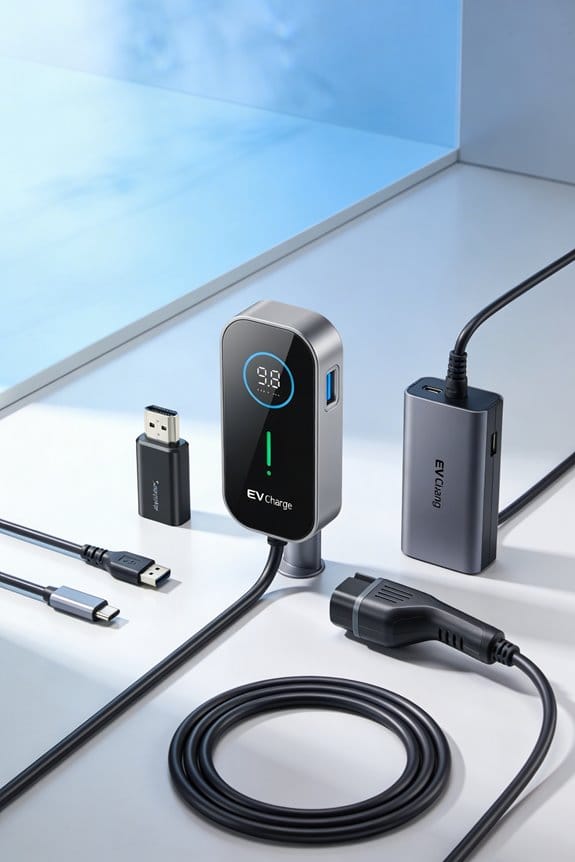
How Software Is Becoming Part of the EV Accessory Experience

We’re seeing EV accessories turn into smart services by adding OTA updates, AI analytics, and subscription tiers. OTA lets us push new features and security patches without a dealer visit. AI‑powered dash cams and tire sensors analyze data in real time, sending alerts and enabling predictive maintenance. Choose a compatible, open‑source platform to speed development and use modular hardware so voice‑AI or climate control can be added later. Subscription‑ready gateways create recurring revenue and keep owners engaged. Set up clear consent flows and encrypt data to protect privacy. Follow these steps and you’ll see how software expands the EV accessory experience.
Key Takeaways
- OTA and remote provisioning let EV accessories receive new features, bug fixes, and security patches without dealer visits.
- Subscription‑ready hardware gateways enable tiered licensing, turning one‑time accessory sales into recurring revenue streams.
- Open‑source platforms and reusable modules accelerate development, ensuring compatibility across vehicle infotainment systems.
- AI‑powered sensors provide real‑time safety alerts and predictive maintenance, with OTA updates refining accuracy and adding services.
- Technician training on OTA workflows and diagnostic software creates new profit centers and speeds customer adoption.
How OTA Updates Turn EV Accessory Software Into Smart Services
You may be interested



Ever wonder why your EV’s add‑on gadgets feel stuck in the past?
When you enable OTA updates, those accessories turn into smart services that actually improve over time. You can push new features, fix bugs, and add security patches without ever stepping foot in a dealer’s lot. Remote provisioning also lets you flip on functions instantly from your phone.
How to get started
- Start with a basic hardware kit.
- Deploy a cloud platform that supports OTA.
- Use tiered licensing to offer free, basic, and premium tiers.
- Remote provisioning lets users turn on features from their phone.
- Tiered licensing creates recurring revenue and lets customers choose what they need.
- Updates keep the accessory compatible with new vehicle software.
Frankly, the trick is to treat the add‑on like a subscription service rather than a one‑off purchase.
You’ll need a solid cloud backend that can talk to the vehicle’s network and a simple way to roll out firmware. Once that’s in place, you can start offering a free tier that covers basic functions, then a paid tier with extra perks like advanced climate control or performance boosts.
The biggest win is that you’re not stuck with a static device. As the car’s software evolves, your accessory can keep up, and you’ll keep earning from it.
Try this: set up a remote provisioning portal and let users activate features with a tap. It feels like magic, but it’s just good planning.
Follow these steps and you’ll turn a simple add‑on into a service that grows with the driver’s needs.
Ready to give your EV accessories the upgrade they deserve?
What Makes AI‑Powered Dash Cams and Tire Sensors the Fastest‑Growing EV Accessory Software Add‑Ons?
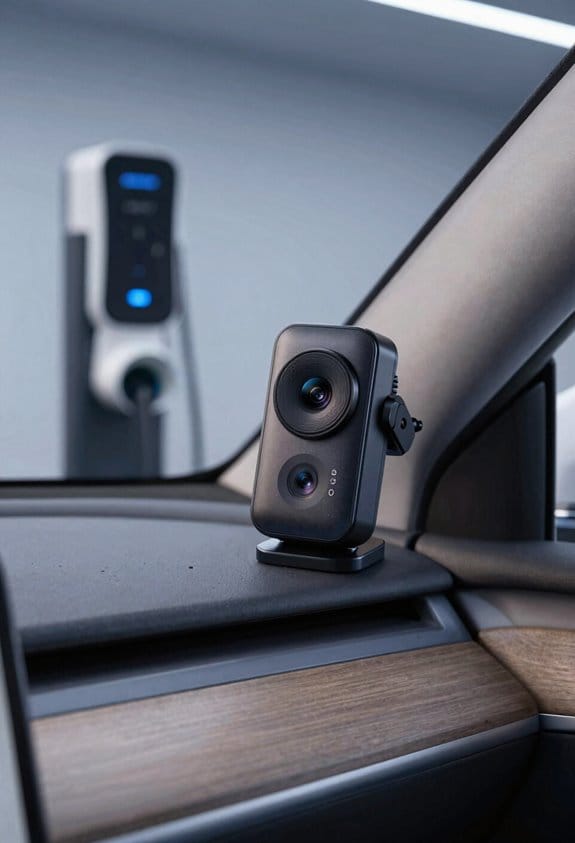
Ever feel like your EV’s dash cam or tire sensor is just another gadget that never really helps? You’re not alone. A lot of drivers think they’re paying extra for fancy tech, but the real value shows up when the device actually makes your ride safer and easier.
Real‑time safety data
AI looks at video and pressure the moment it happens, so you get instant alerts if something’s off. It’s like having a co‑pilot that watches the road and your tires while you focus on driving.
OTA updates
Your sensors get fresh features without a trip to the shop. A quick over‑the‑air upgrade can add new alerts or improve accuracy, keeping the system current.
Low hardware cost
Mini‑chips and low‑power radios mean the price stays low, so you can add the tech without breaking the bank.
Fair warning: privacy concerns are real. Data streams can be intercepted, so you’ll want devices that encrypt information and ask for clear consent.
Worth knowing: installation can be a headache. Some models need wiring or calibration, but plug‑and‑play versions cut the effort dramatically.
If you’re hunting for devices that balance security, easy install, and automatic updates, focus on those that give you clear privacy settings and a simple mounting process. That way you get the best value without the hassle.
What’s the one feature you’d rather have on your EV today?
How to Choose the Right Software Platform for Your EV Accessories
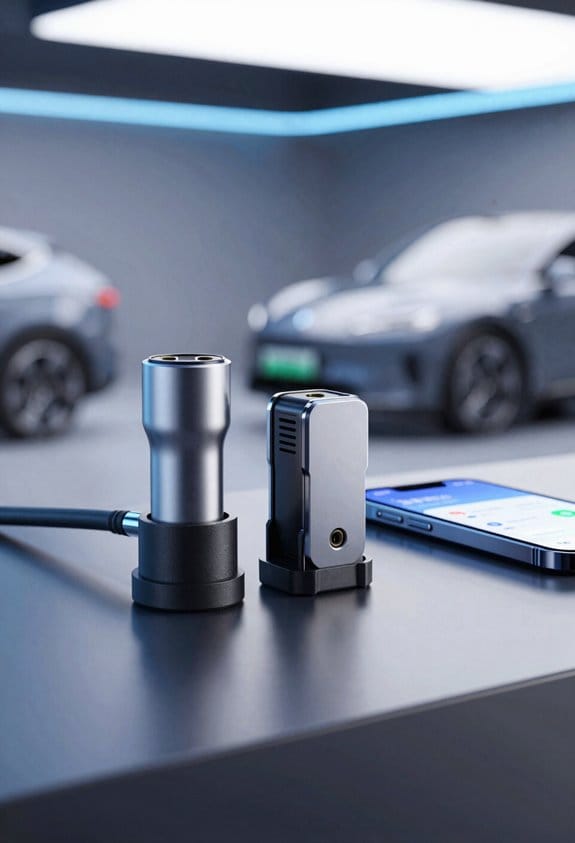
Ever tried plugging an EV accessory into your car and watching it stall? It’s frustrating when the tech doesn’t click with your vehicle. The good news is you can avoid that headache by picking the right software platform from the start.
1. Check platform compatibility
- Make sure the OS version lines up with your car’s infotainment system.
- Look for OTA update support so you can add new features later without hassle.
2. Look at the developer ecosystem
- Pick a platform that has active forums and clear documentation.
- It helps if there are ready‑made APIs for sensor data and charging control.
3. Assess cost and licensing
- Compare subscription fees with one‑time purchase options.
- Don’t forget to factor in any hardware adapters you might need.
4. Test integration early
Run a pilot with a single accessory before you go all in. Keep an eye on latency and reliability; if things feel laggy, you’ll know to adjust before scaling up.
Frankly, the best way to know if a platform works for you is to try it out on a small scale. Worth knowing: a smooth start saves a lot of time and money down the road.
Got a favorite platform you swear by? Share it in the comments.
How Open‑Source Platforms Speed Up EV Accessory Software Development
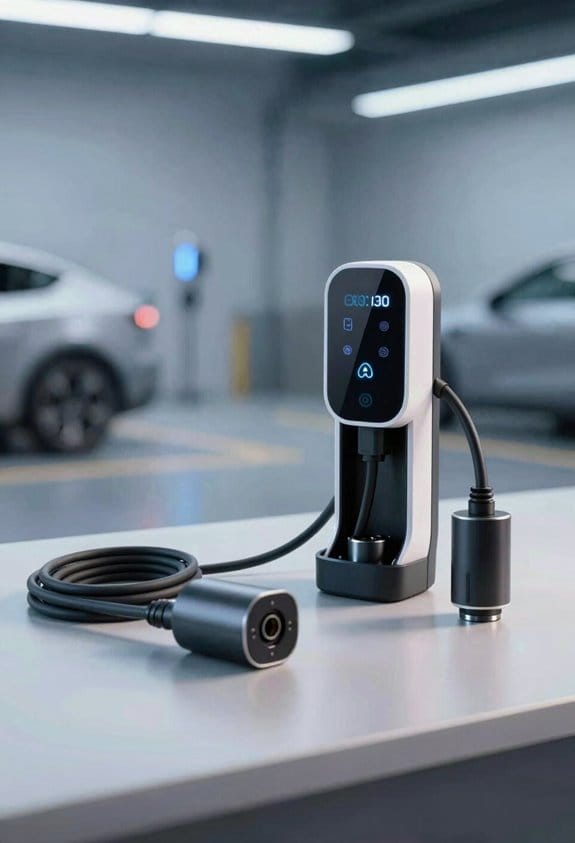
Ever tried to get an EV accessory up and running, only to hit a wall of missing code and endless debugging? That feeling of staring at a blank screen while the deadline looms is all too familiar. The good news? Open‑source platforms can shave a lot of that hassle away.
Open‑source platforms let us build EV accessory software faster because they already contain reusable code and community support. We can pick a library that handles CAN‑bus messaging, then focus on our unique feature. The community governance keeps the code safe and up‑to‑date, so we spend less time fixing bugs.
1. Reuse existing modules
- Power‑management driver
- OTA‑update framework
2. Run compatibility testing early
- Use shared test suites
- Validate with multiple vehicle models
3. Benefit from community contributions
- New sensor drivers appear quickly
- Security patches are posted regularly
Frankly, the biggest win is not having to reinvent the wheel each time you add a new sensor or tweak a power‑budget routine. You just plug in the module that already does the heavy lifting and move on to the parts that make your product stand out.
Try this: start by mapping the core functions you need—like CAN‑bus handling or OTA updates—to the most popular open‑source libraries. Then set up the shared test suites early on, so any incompatibility shows up before you get too deep into development.
Worth knowing: the community often posts quick fixes for new vehicle models, so you’ll be ready for future expansions without a massive code rewrite. It’s a lot like having a safety net that catches bugs before they become real problems.
Ever wonder how much time you could save if you stopped writing low‑level drivers from scratch? The answer is usually a big chunk of your schedule, letting you focus on the features your customers actually care about.
Give it a go and see how much smoother your next EV accessory rollout can be. Ready to jump in?
How Modular Infotainment Units Enable Voice‑AI and Personalized Climate Control in EVs
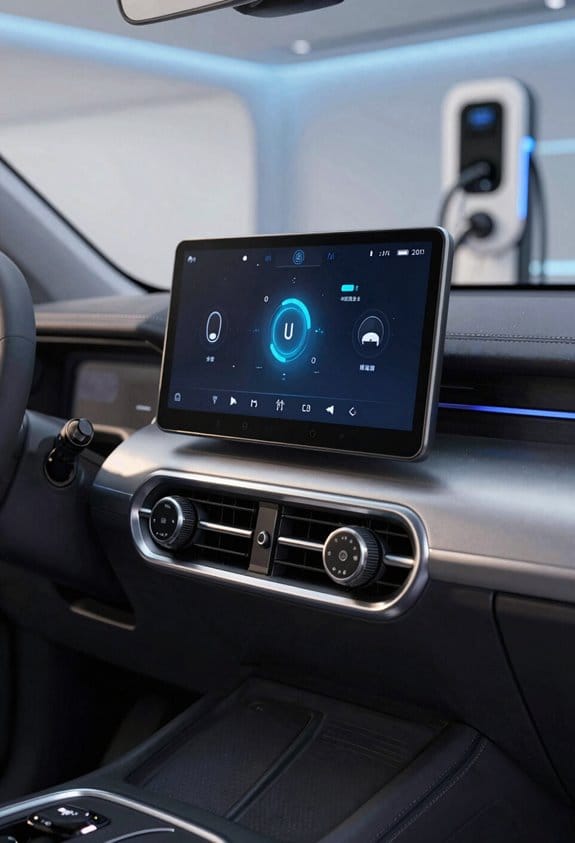
Ever tried to add a new voice‑AI feature to your EV and ended up with a whole dashboard redesign? It’s frustrating when you just want a quick upgrade without tearing the cabin apart. The good news is that modular infotainment units make that a breeze.
Voice personalization
- Users train the system with their name.
- The unit stores voice profiles locally.
- Commands adapt to each driver’s accent.
Climate control
- Sensors feed temperature data to the infotainment module.
- The software learns preferred settings per seat.
- Users can ask, “Set my side to 72°F,” and the system obeys.
Upgrade path
- OTA updates add new voice skills.
- New climate algorithms arrive without hardware changes.
These steps give a flexible, future‑proof experience. Frankly, you’ll notice the difference the moment you speak a command and feel the perfect temperature at your seat. Try this: keep an eye on the OTA notifications—you’ll get fresh voice tricks and climate tweaks without ever opening the dash.
What’s the next feature you’d love to see in your car?
How Subscription‑Ready Hardware Interfaces Convert One‑Time Sales Into Recurring EV Accessory Software Revenue
Ever wonder why your EV accessories feel like a one‑off purchase that never gets any better? The trick is to add a subscription‑ready hardware interface that turns that single buy into a steady stream of updates and features. Think of it as a small gateway you install once, then let the cloud do the rest. You keep the device, you pay a little each month, and you get fresh functions without swapping parts.
First, you slot a gateway into the accessory. Then you hook that gateway up to a cloud service. Finally, you roll out tiered plans that let owners pick the features they want. The hardware stays with them, but the software keeps evolving, so you earn recurring income without building new physical products.
- Hardware leasing lets owners keep the device while paying monthly.
- Subscription gateways manage access and billing.
- OTA updates keep the accessory fresh.
These steps turn a one‑time sale into ongoing cash flow without adding new physical parts. Frankly, it’s a simple way to keep your customers happy and your revenue steady. Worth knowing: start small, test a basic tier, and expand as demand grows.
What’s the easiest way to get started? Just pick a reliable gateway, link it to a cloud, and set up a couple of subscription tiers. You’ll see the difference in a few weeks. Ready to give your EV accessories a recurring revenue boost?
How to Train Technicians for EV Accessory Software Diagnostics and Create a New Profit Center
Ever felt stuck when a customer’s EV won’t start because the software’s acting up? You’re not alone. Most shops get a call, pull the car in, and then realize the real problem lives in the code, not the engine. The good news? A focused training plan can turn that headache into a steady income stream.
Core Software Concepts
Start with the basics—what the vehicle’s computer is actually doing. Keep it short, use everyday language, and tie each idea to a real repair bill. When techs see how a simple firmware read can lead to a $150 service, they’ll pay attention.
Real‑World Diagnostic Workflows
Next, walk them through the steps they’ll follow on the shop floor. Show a live demo of a diagnostic scan, then let them repeat it on a test vehicle. The key is to let them feel the process, not just watch a video.
OTA Update Procedures
Finally, cover over‑the‑air updates. Explain why a car needs a fresh code push, how to schedule it, and what to watch for if something goes wrong. A quick hands‑on lab where they actually push an update makes the lesson stick.
Each module ends with a short quiz and a hands‑on lab. The labs use real vehicles and simulated faults, so techs get to practice on something that feels like a real job. We track progress with a scorecard; once they pass, they earn a certification that lets them charge for diagnostic services. Certified staff can then run paid diagnostic services, creating a new profit center for the shop. We also offer a “service‑only” pricing tier for customers who need just software fixes. This model scales across locations and builds recurring revenue.
Try this:
- Break the content into bite‑size modules.
- End each with a quick quiz and a hands‑on lab.
- Use a scorecard to track progress and award certification.
When technicians finish, they’re not just fixing cars—they’re selling a service that keeps coming back. And because the training is hands‑on, they’ll feel confident charging for it.
Frankly, the biggest hurdle is getting techs to see the money in software work. Show them the numbers, let them practice, and watch the profit center grow.
Ready to turn software glitches into cash? Let’s get those certifications rolling.
How to Build Data‑Privacy Safeguards Into Your EV Accessory Software
Ever wonder why your EV’s fancy accessories sometimes feel like they’re spying on you? You’re not alone—those gadgets collect location, usage, and health data, and if you don’t set up proper privacy guards, you could be sharing more than you think.
Design consent flow
- Show a clear opt‑in notice.
- Record the timestamp and scope.
Implement edge anonymization****
- Strip IDs and GPS precision.
- Aggregate data locally.
Test regularly
- Simulate a data breach.
- Verify the anonymized output.
Frankly, the best way to keep control in your hands is to start with consent. Ask users before any data is recorded, store those consent logs, and let them pull the plug whenever they want. That way, you’re not just following a checklist—you’re actually giving people a say.
Next, move the heavy lifting to the edge. By anonymizing data right inside the vehicle, you keep raw info from ever leaving the car. Strip out personal IDs, lower GPS precision, and bundle the numbers together before anything ever hits the cloud.
Worth knowing: regular testing is a must. Run breach simulations, check that the anonymized output looks clean, and make sure you can still pull the data you need without exposing private details.
Try this: set up a simple script that logs consent timestamps and scopes, then run a quick local aggregation to see how the data looks before you send it out. It’s a small step that pays off big time.
You’ll feel a lot more at ease when you know the data you’re collecting is protected from the start. Ready to give your EV accessories the privacy boost they deserve?
How Predictive Maintenance With EV Accessory Software Boosts Loyalty and Extends Vehicle Life
Ever wonder why your EV feels perfectly fine one day and then a warning light pops up the next? It’s usually the little things you don’t see—sensor glitches, software hiccups, or a part that’s about to give out. The good news is you can catch those issues before they turn into costly repairs.
First off, I’ve started using predictive diagnostics on every accessory in my car. The system runs anomaly detection on sensor data and sends me an alert the moment something looks off. It’s like having a mechanic in the cloud, watching over your ride 24/7. When you get a heads‑up early, you can schedule a fix before the part actually fails, which saves you both time and money.
Here’s the trick:
- Offer usage‑based warranties that change as the car gets older.
- Apply lifecycle forecasting to plan service intervals.
- Provide OTA updates that keep software current.
These steps help stretch the life of your vehicle and keep you coming back for more. By linking software to real‑time health checks, accessories become a service platform rather than just a gadget. You’ll see the value, renew subscriptions, and stay with the brand longer.
Frankly, the biggest win is the peace of mind. No more surprise repairs that throw off your budget or your schedule. When your car tells you what’s coming, you can plan ahead and avoid the hassle.
If you’re already using an EV, try this: keep an eye on the health alerts that come through your app and schedule service as soon as you get a warning. It’s a simple habit that can add years to your car’s life.
What’s the one thing you wish you’d known sooner about keeping your EV running smoothly?
Frequently Asked Questions
Will EV Accessory Software Affect My Vehicle’s Warranty?
As they say, “the devil’s in the details.” We’ll tell you that installing third‑party EV accessories can void warranty, and software liability may shift to you if updates cause failures. Proceed cautiously.
Can I Disable OTA Updates on Aftermarket Accessories?
We can’t disable OTA updates without Manufacturer consent, as the firmware is locked to protect safety and warranty compliance; attempting it may void support and could trigger connectivity restrictions.
Do Ai‑Driven Dash Cams Store Video Locally or in the Cloud?
We store video locally, then upload to the cloud when connectivity’s clear—think of a squirrel hoarding nuts before sharing them with the forest. This dual approach guarantees immediate access and remote backup.
How Are Third‑Party Accessories Certified for Data‑Privacy Compliance?
We certify third‑party accessories through vendor audits and strict consent frameworks, ensuring they encrypt data, limit collection to disclosed purposes, and provide transparent opt‑in mechanisms that protect user privacy.
What Happens if a Subscription‑Based Accessory Service Is Discontinued?
We’ll lose the feature when service termination occurs, causing access revocation to your accessory’s cloud functions, so you’ll still have the hardware but any subscription‑dependent capabilities will stop working.